

What is This Resume Presentation Template?
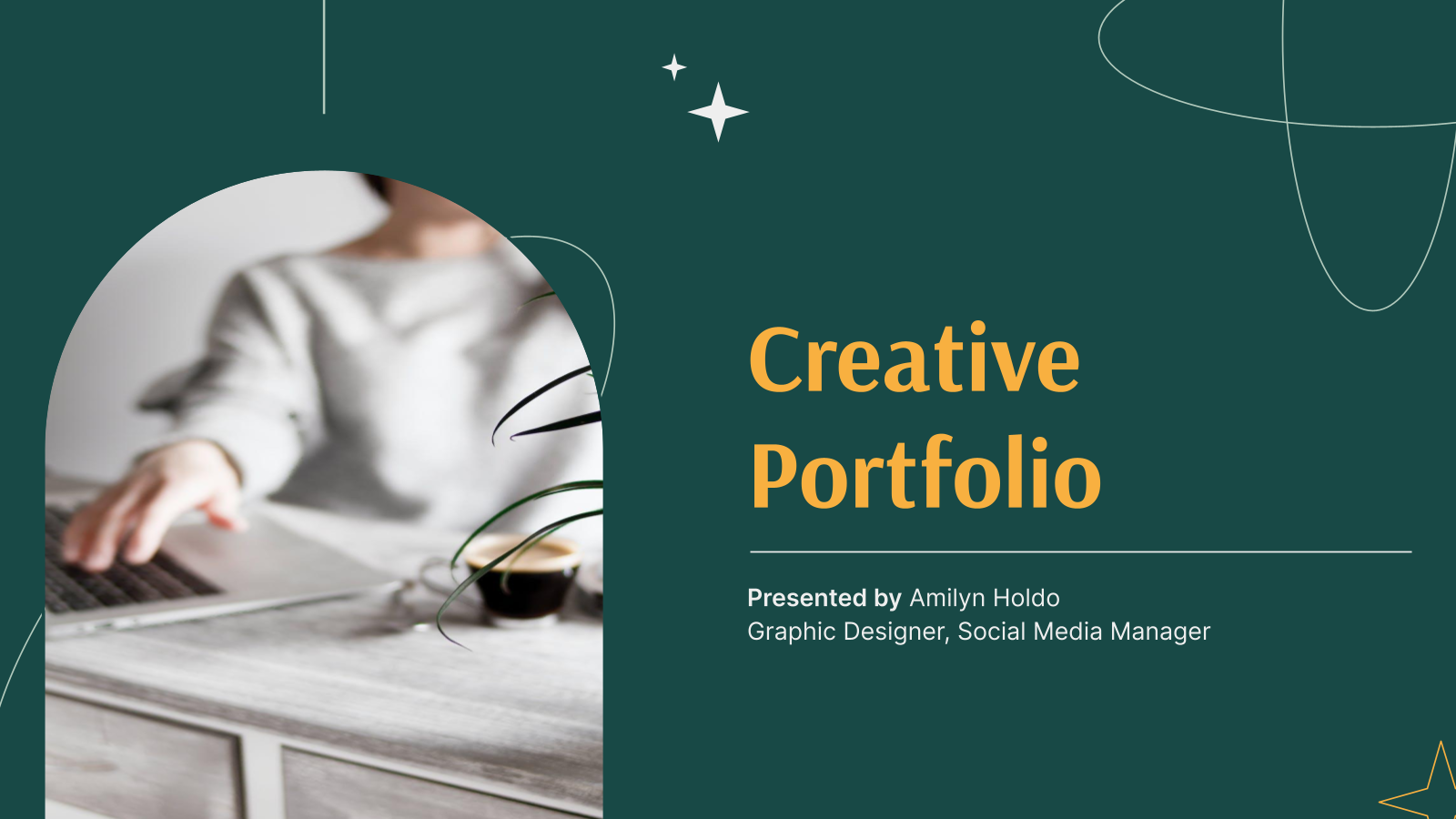
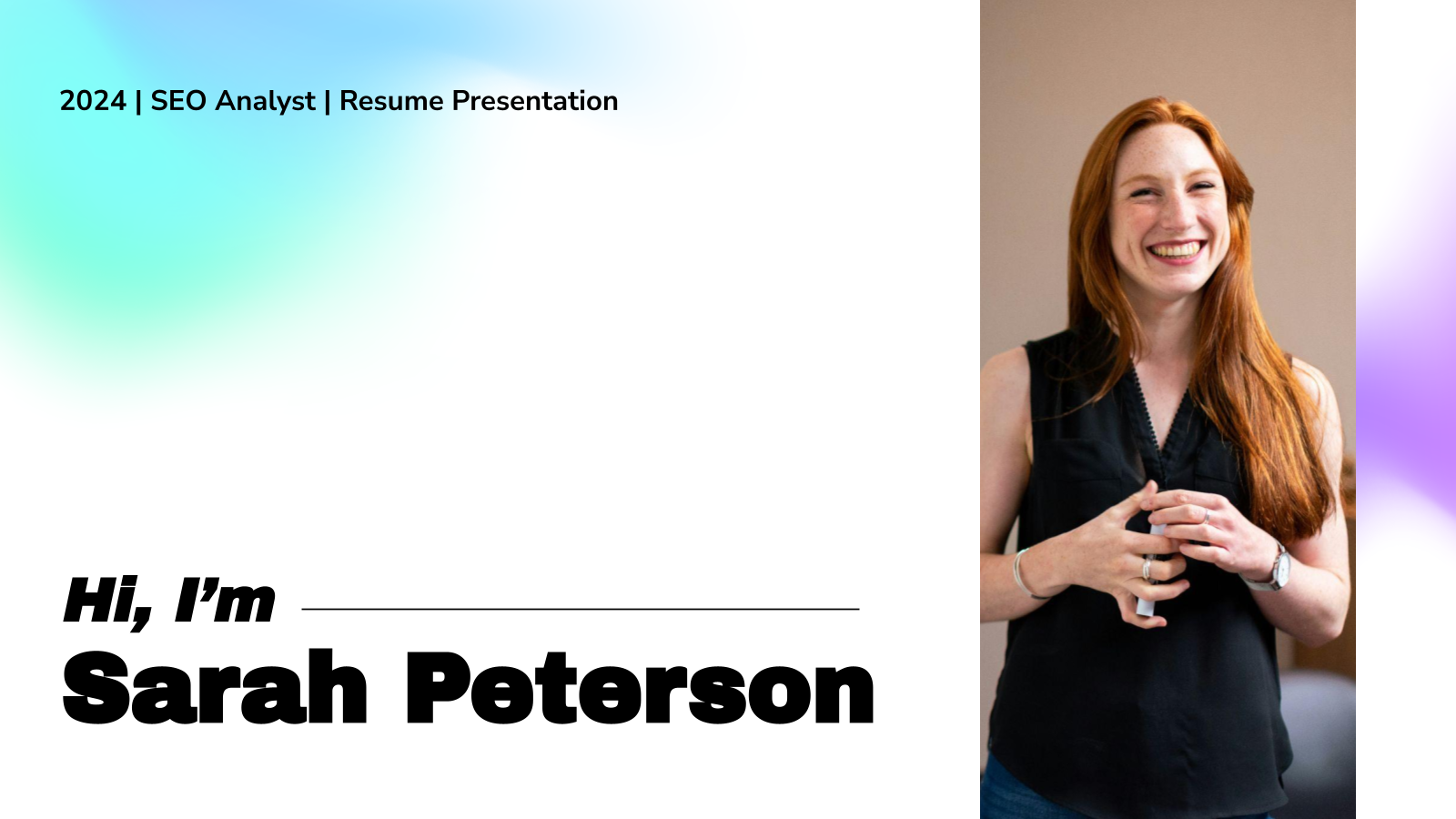
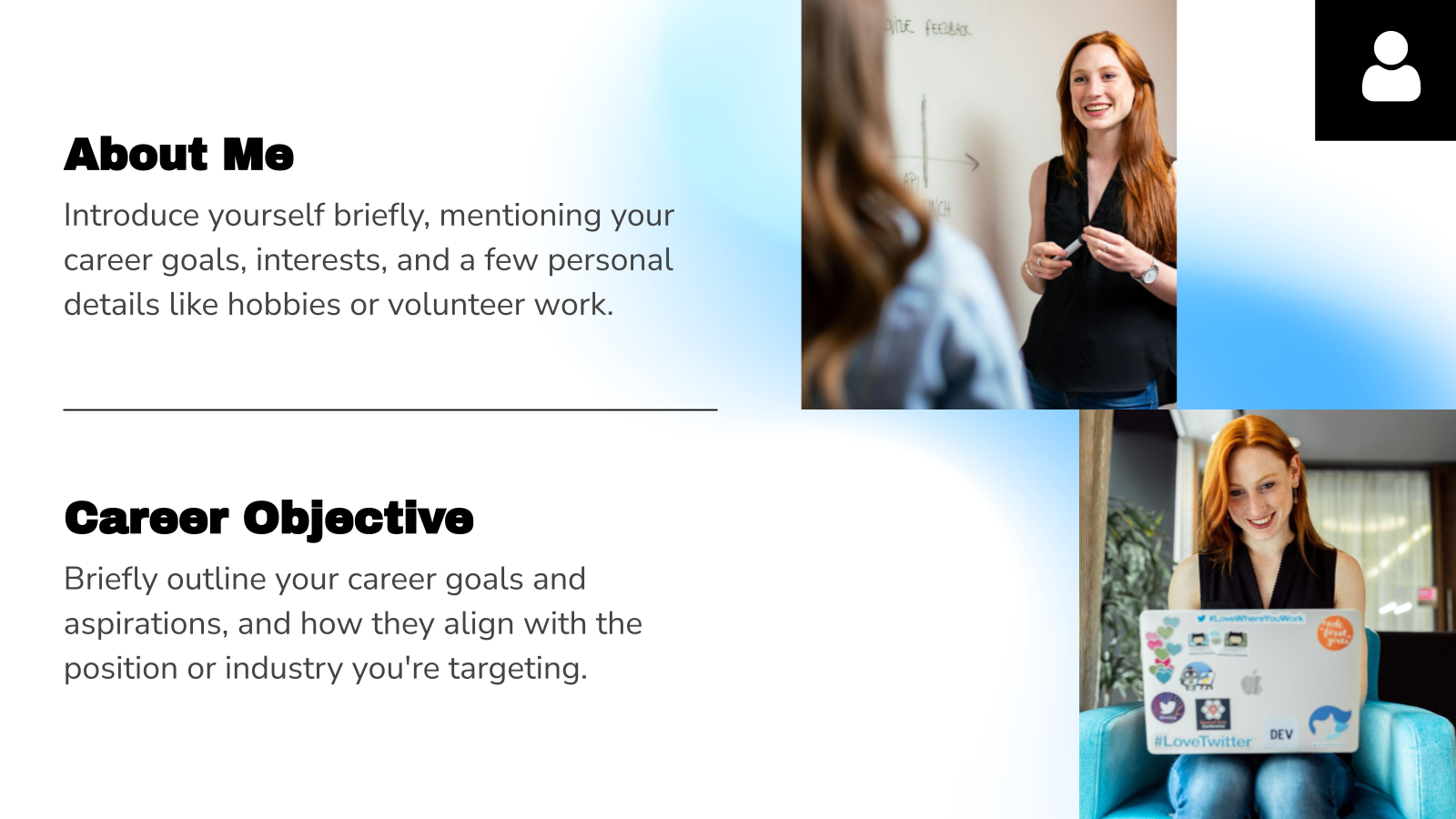
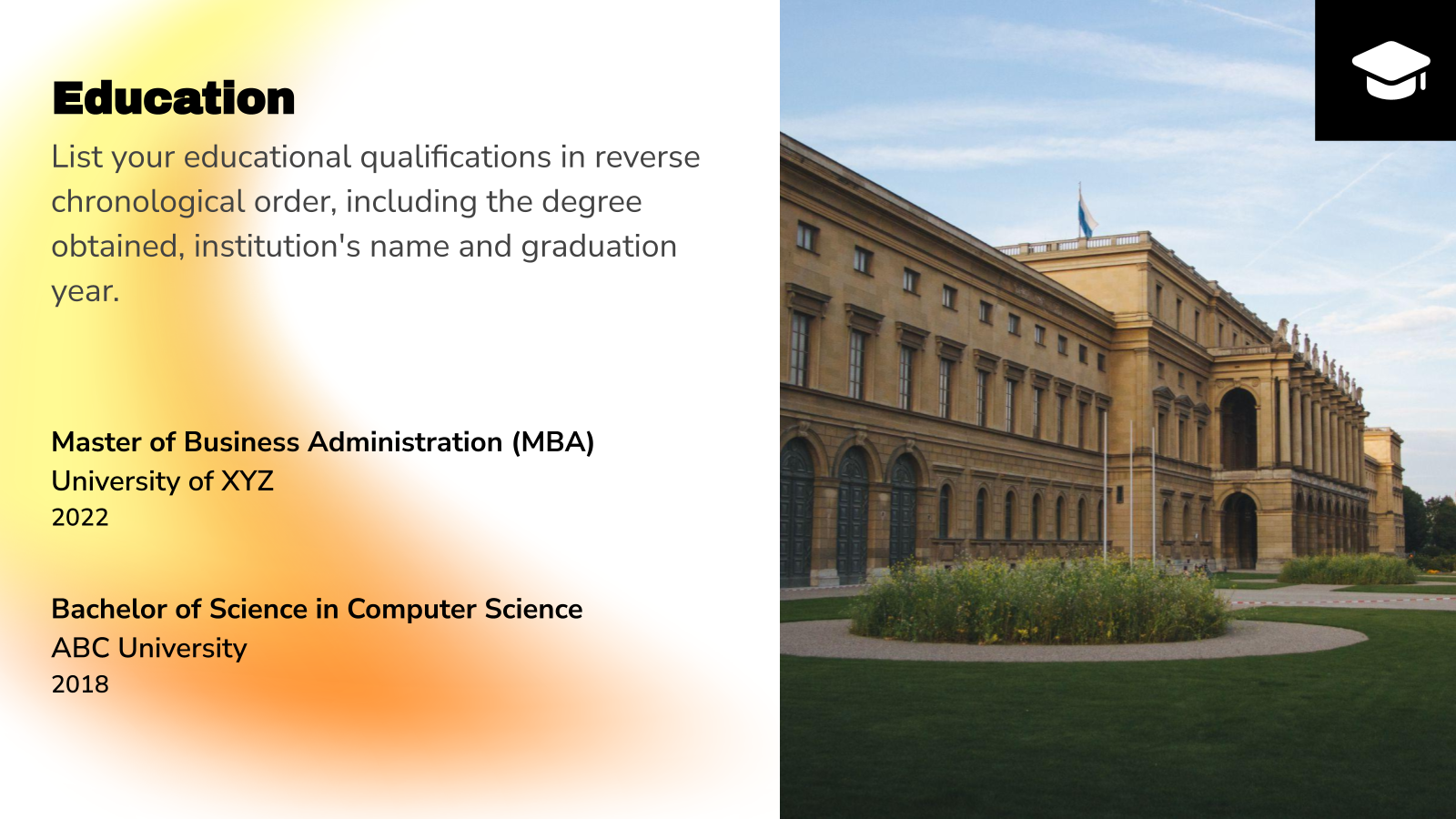
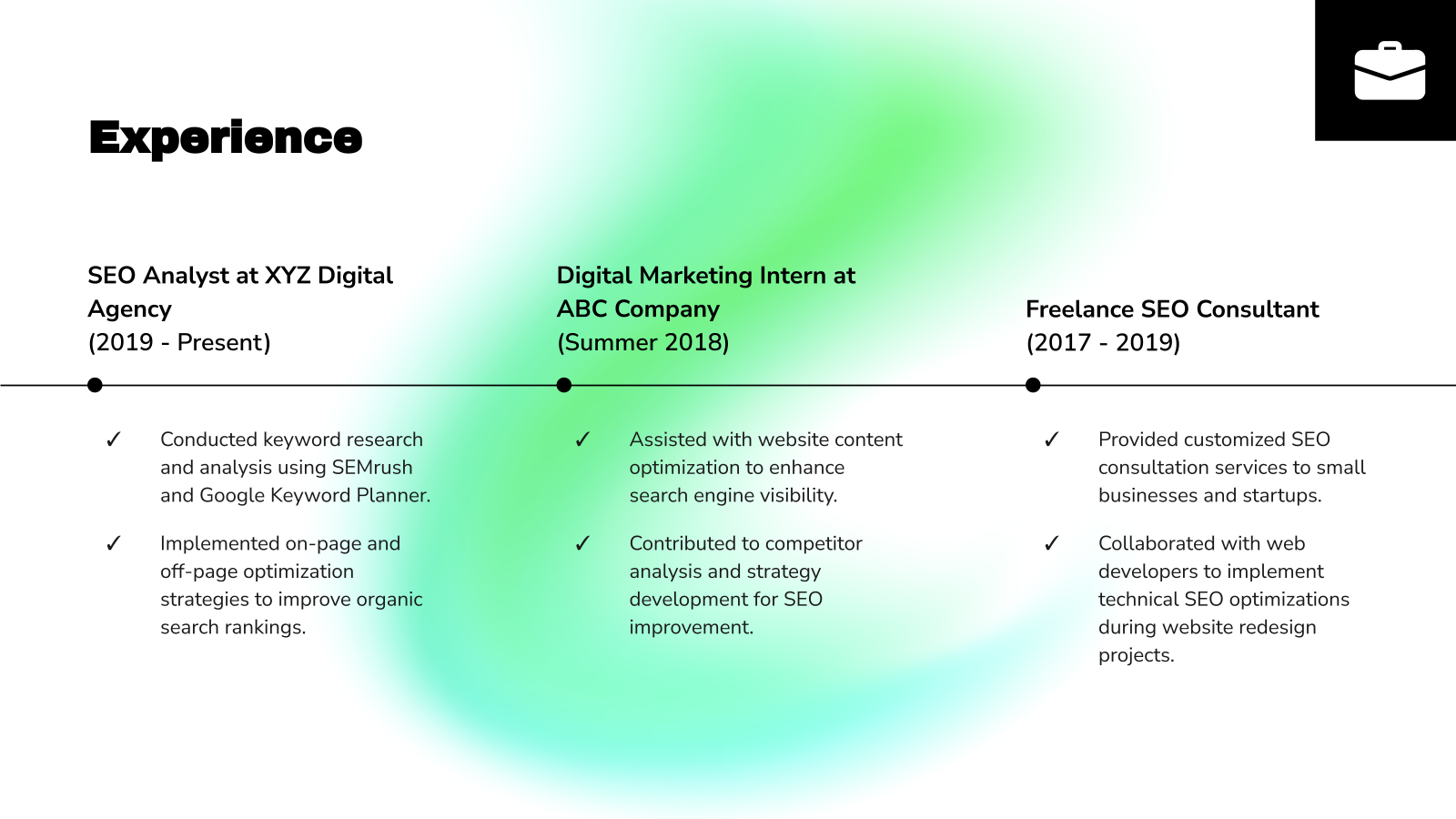
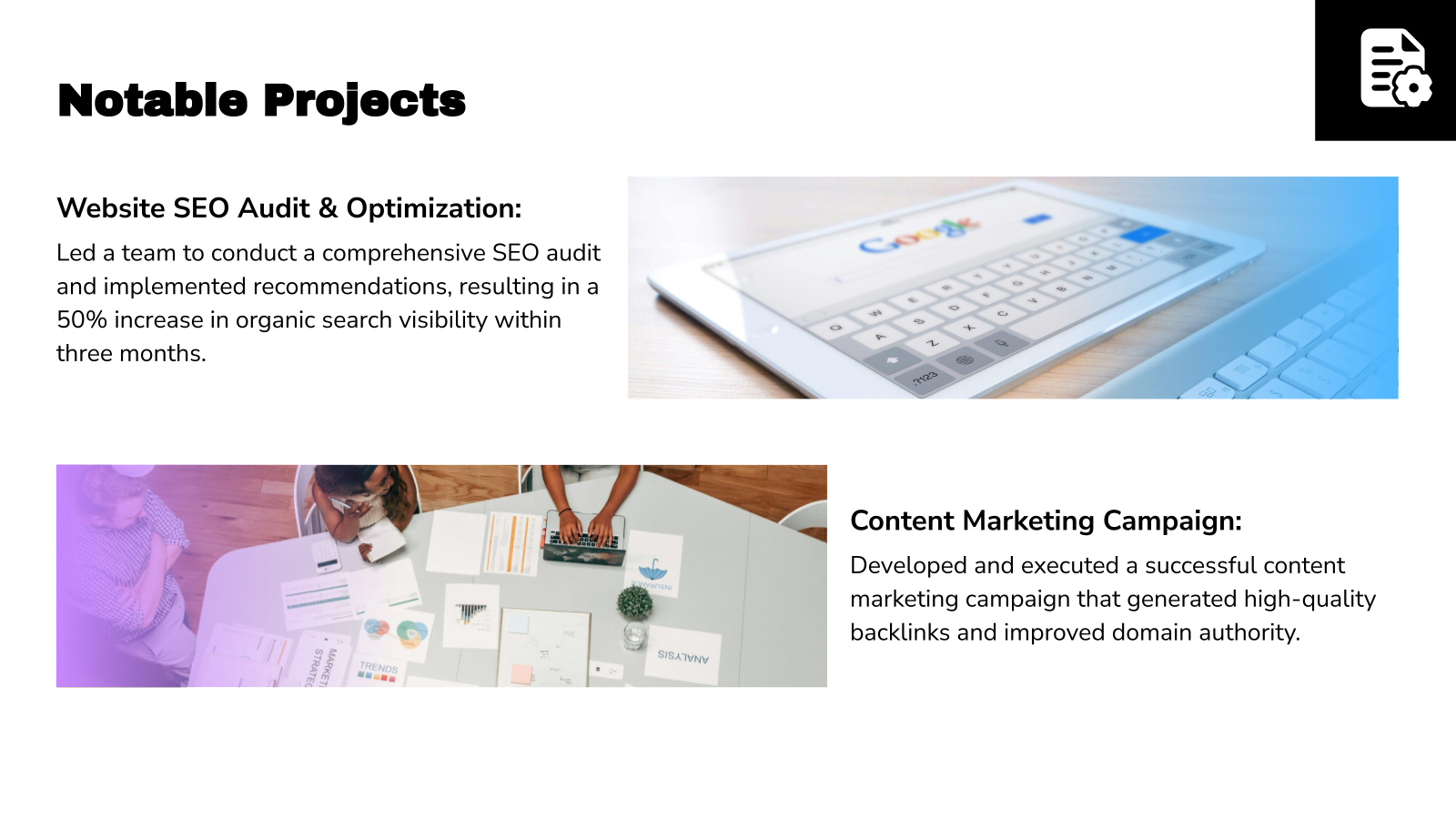
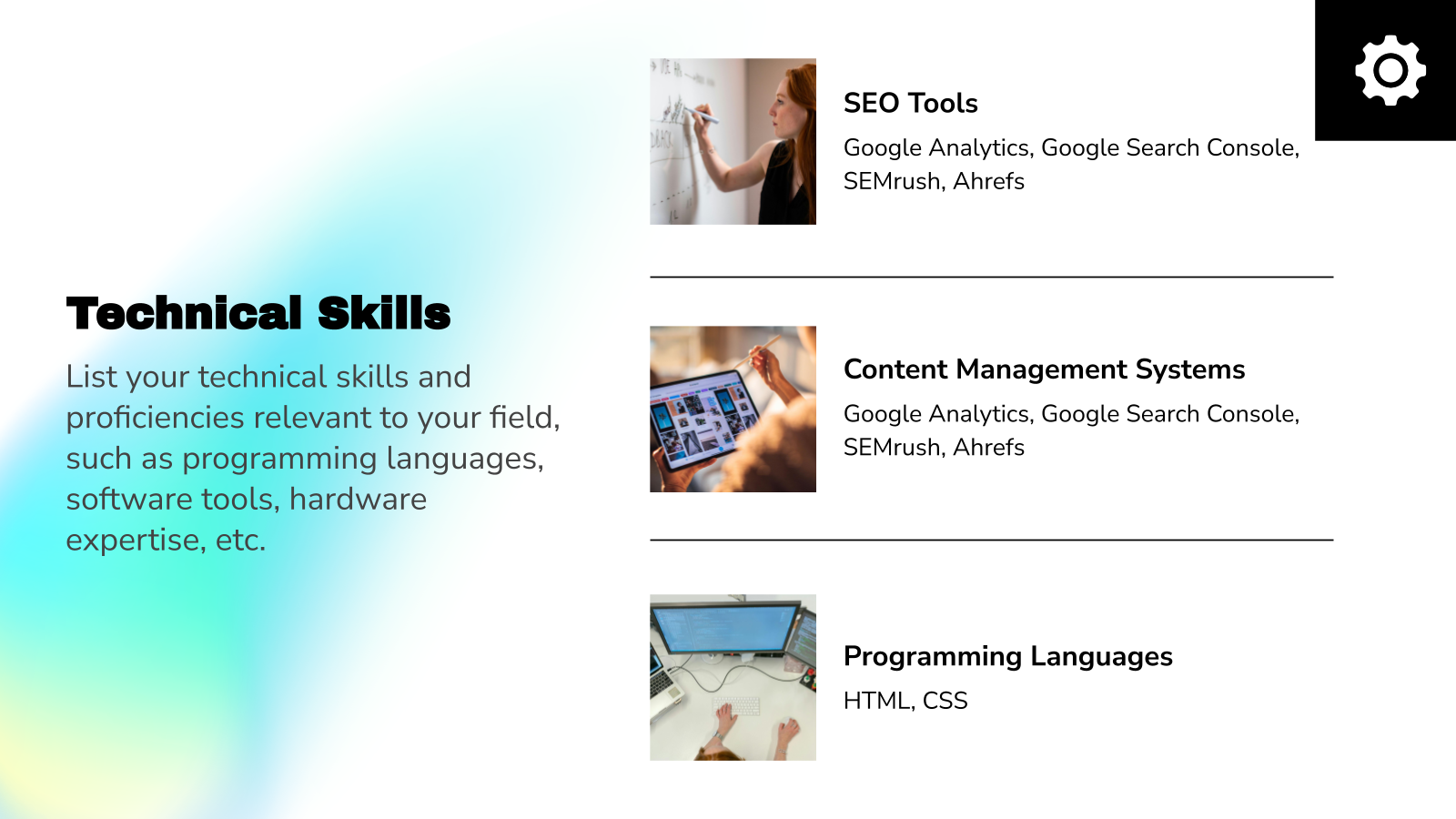
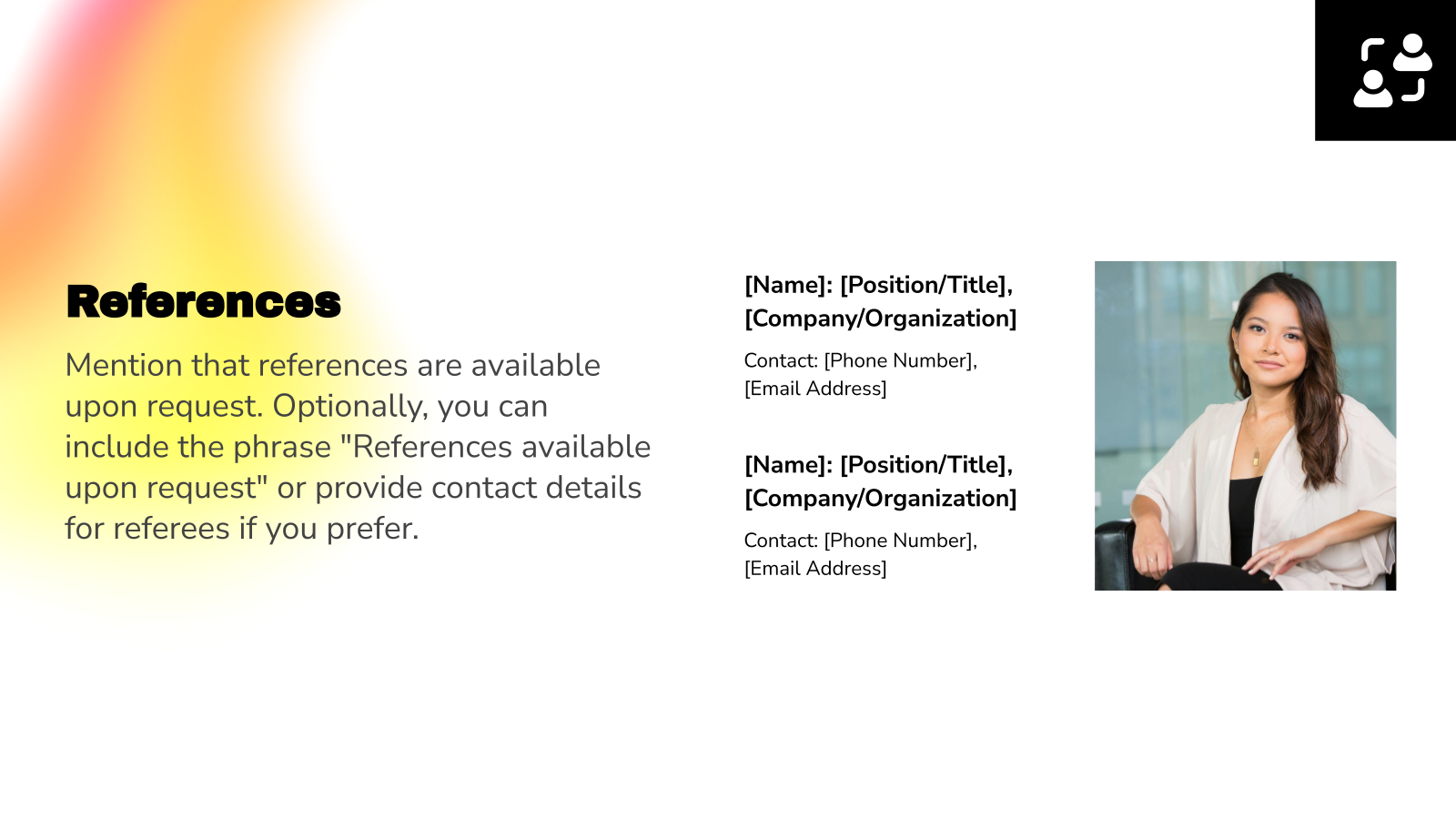
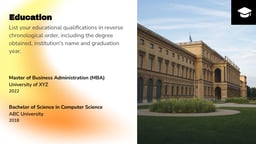
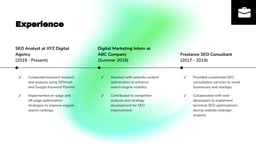
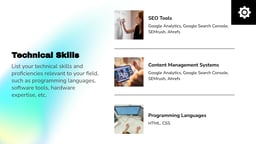
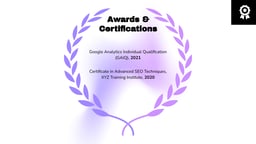
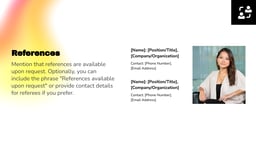
This Resume Presentation Template for PowerPoint and Google Slides helps professionals showcase their qualifications, skills, and career journey in a visually engaging slide format. It allows job seekers and freelancers to present their education, work experience, and achievements through a structured and compelling digital resume or portfolio presentation.
Applications of Resume Presentation Template
- Job Interviews: Present your professional experience, skills, and achievements clearly during interviews.
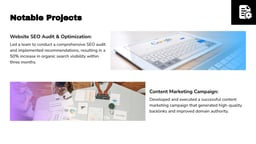
- Personal Portfolio Presentations: Showcase projects, case studies, and work samples in a structured format.
- Professional Personal Branding: Build a digital resume that highlights your career story and strengths.
- Online Interviews or Virtual Meetings: Share your screen to walk recruiters through your experience.
Why use SlidesAI’s Resume Presentation Template?
- Professional Resume Layouts: Pre-designed slides help present your career story clearly and professionally.
- Visual Portfolio Showcase: Highlight projects, work samples, and accomplishments effectively.
- Fully Customizable Slides: Easily edit colors, text, images, and layouts to match your personal brand.
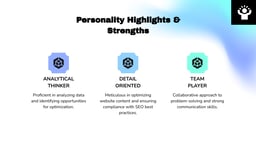
- Clear Personal Branding: Organize your achievements, strengths, and career goals in a compelling narrative.
- Beginner-Friendly Design: Create a polished resume presentation even without design experience.
Build Stunning Slides in Seconds with AI
- No design skills required
- 3 presentations/month free
- Don't need to learn a new software


How to Use This Resume Presentation Template?
- Microsoft PowerPoint: Click on Download > Click on “PowerPoint” > Click on the downloaded file to make a copy and start customising/editing the template
- Google Slides: Click on Download > Click on “Google Slides” > Click on “Use Template” to make a copy and start customising/editing the template
Create Presentations Easily in Google Slides and PowerPoint
15M+Installs

Frequently Asked Questions:
1. Is this template compatible with Google Slides and PowerPoint?
Yes, the template works with both Google Slides and Microsoft PowerPoint, allowing you to edit and present it on either platform.
2. Can I customize the slides in the template?
Yes, all slides are fully editable. You can change text, images, colors, fonts, and layouts to match your personal brand.
3. Can freelancers use this template for client presentations?
Yes, freelancers can use it to showcase past projects, services, and results when pitching to potential clients.
4. Should I include project case studies in this template?
Yes, you can use slides describing project goals, your role, process, and outcomes to demonstrate your expertise.
5. Can I add links to my portfolio or website?
Yes, you can include clickable links to your website, LinkedIn profile, GitHub repository, or online portfolio.
6. Can I update the presentation later?
Yes, the template is fully editable, so you can update it anytime as you gain new experience or achievements.
7. Can I add images, charts, or icons to the slides?
Yes, you can easily add visuals like charts, icons, and images to highlight achievements or data.