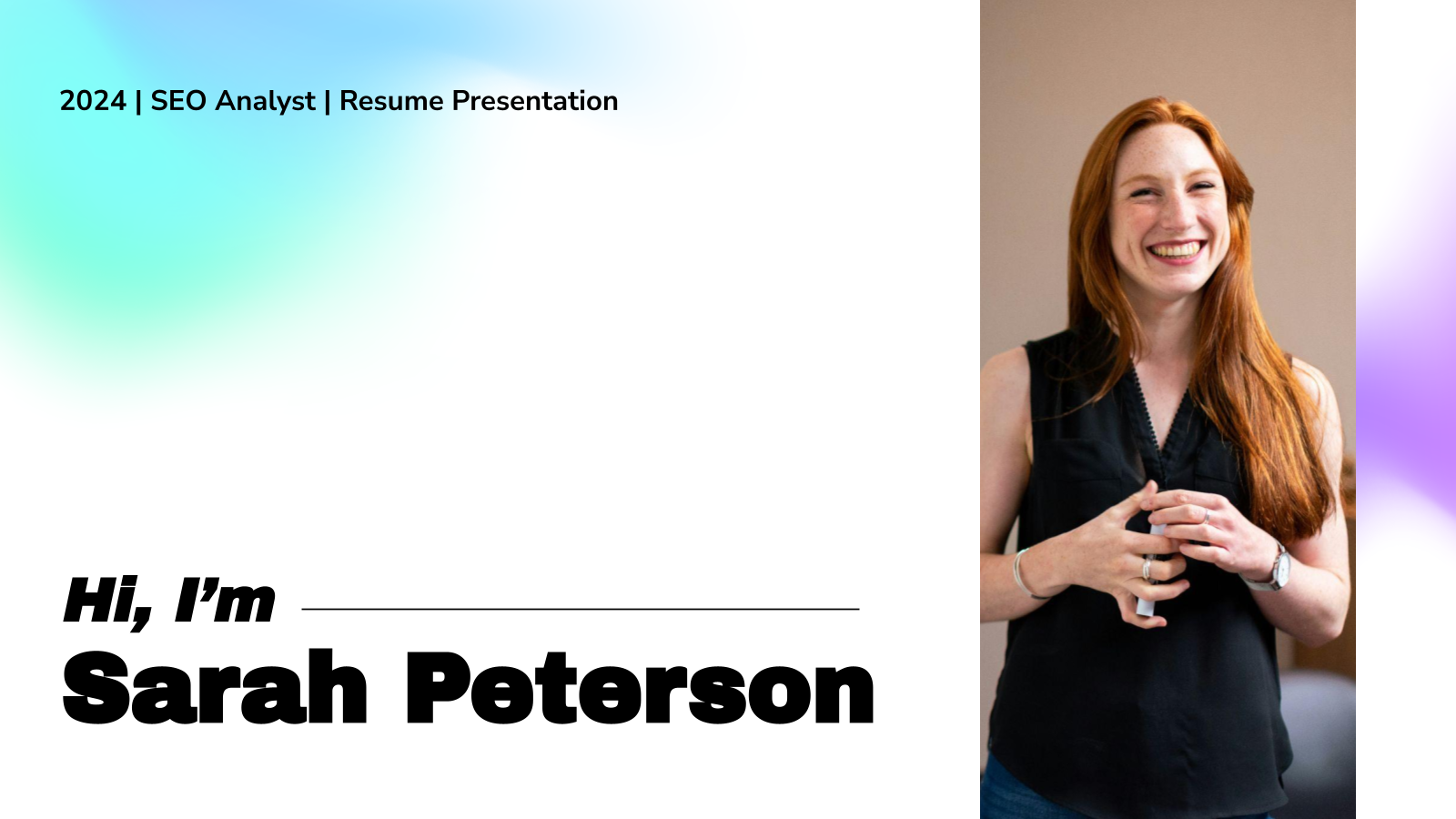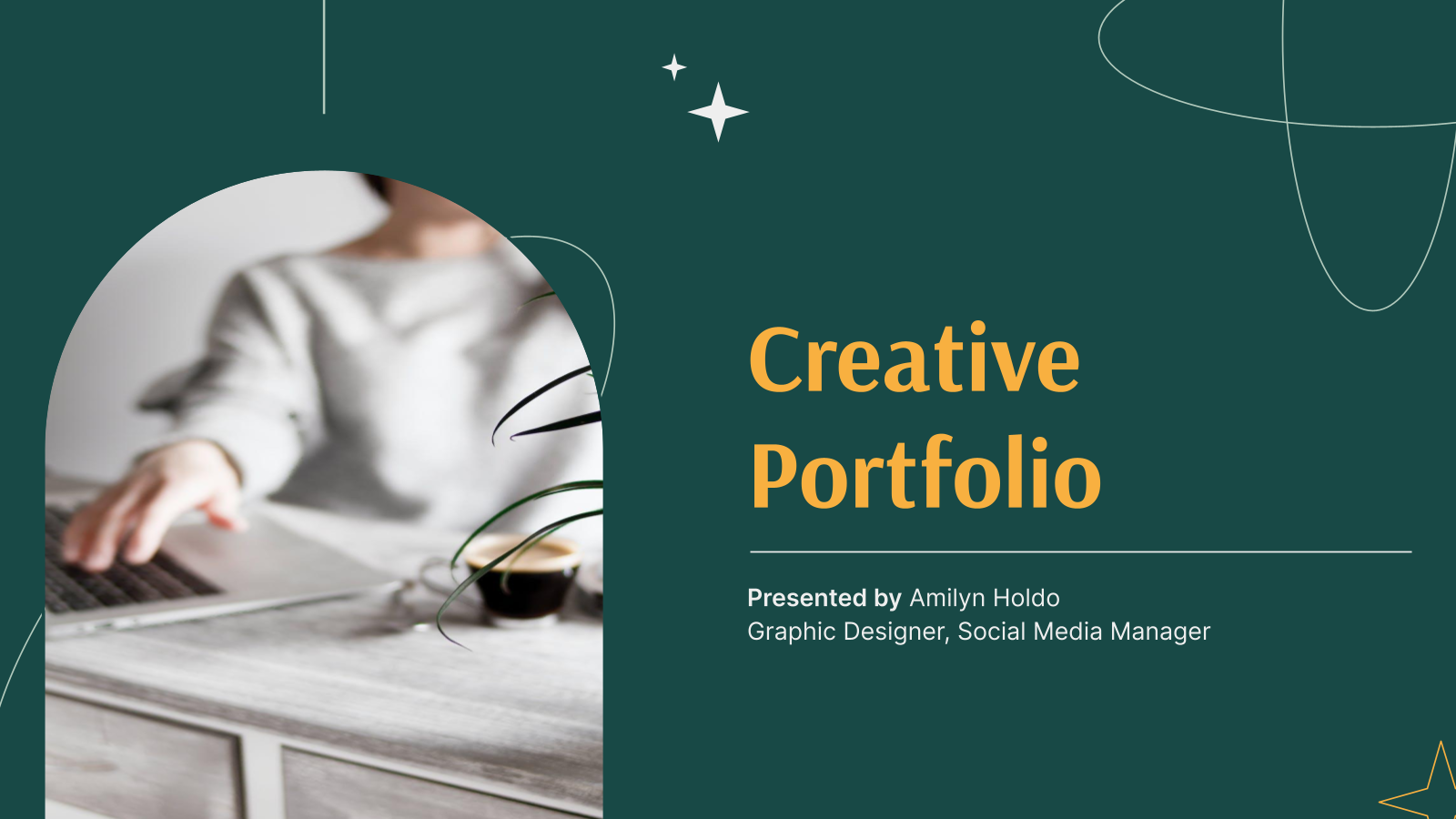
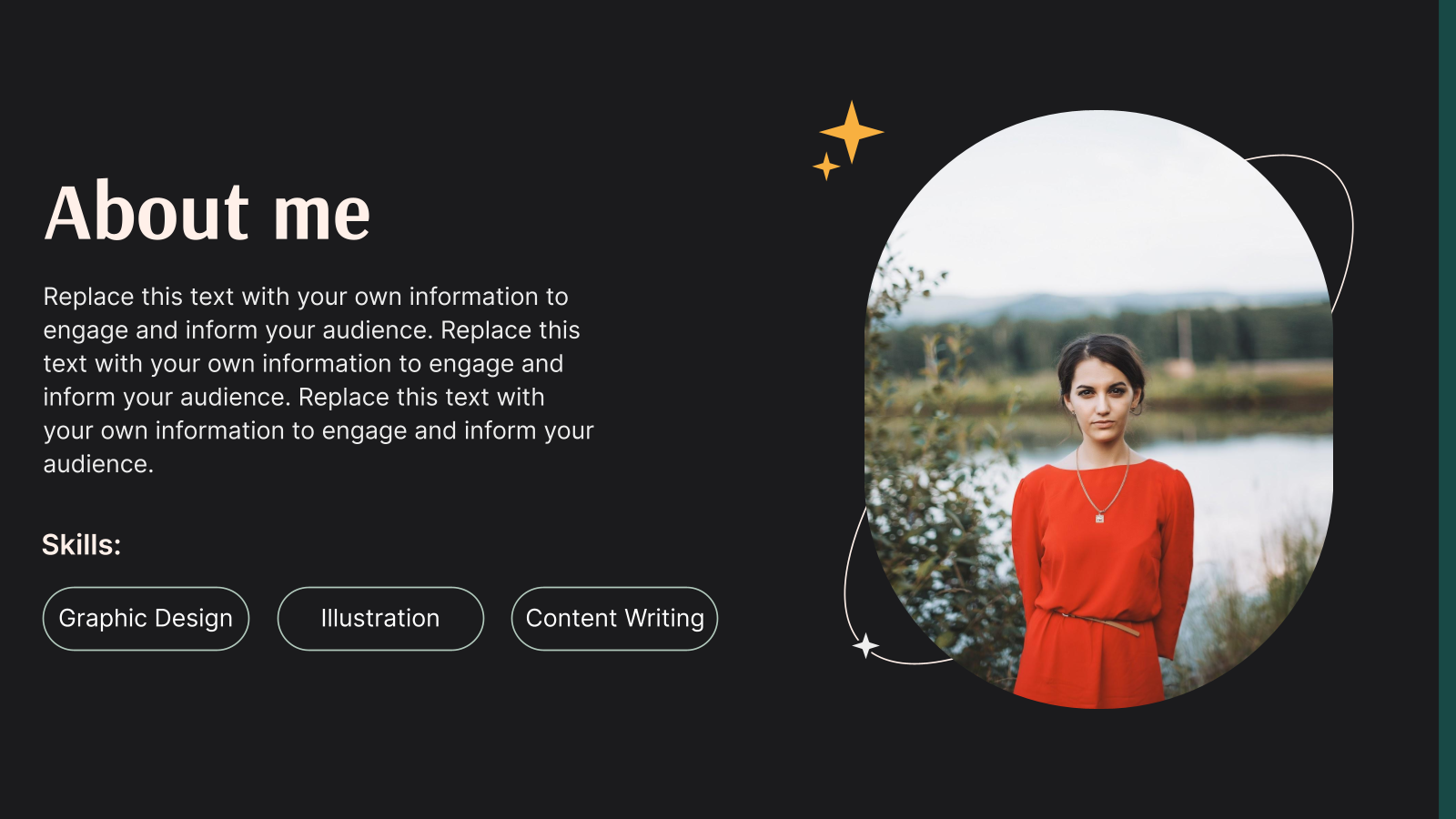
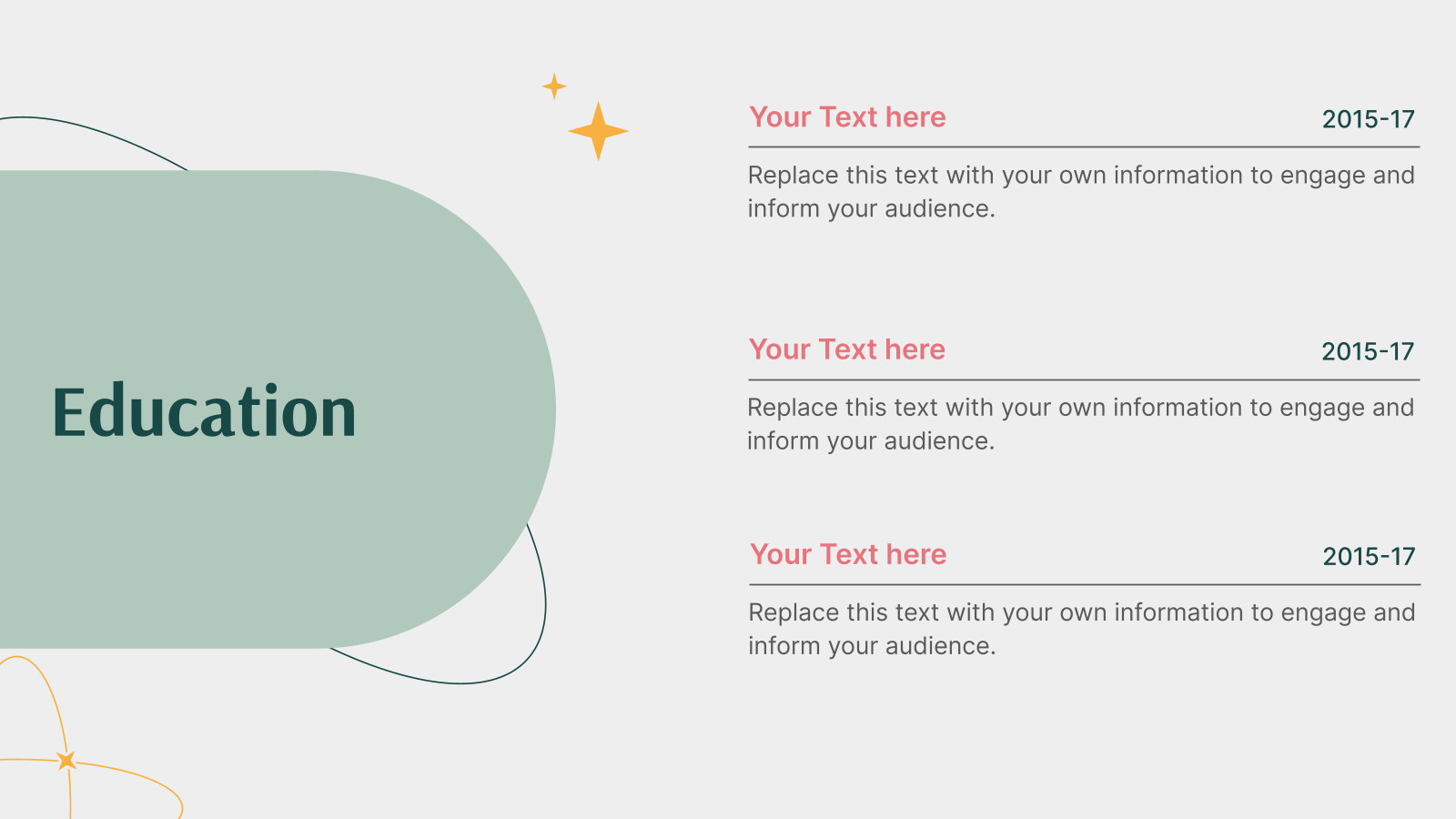
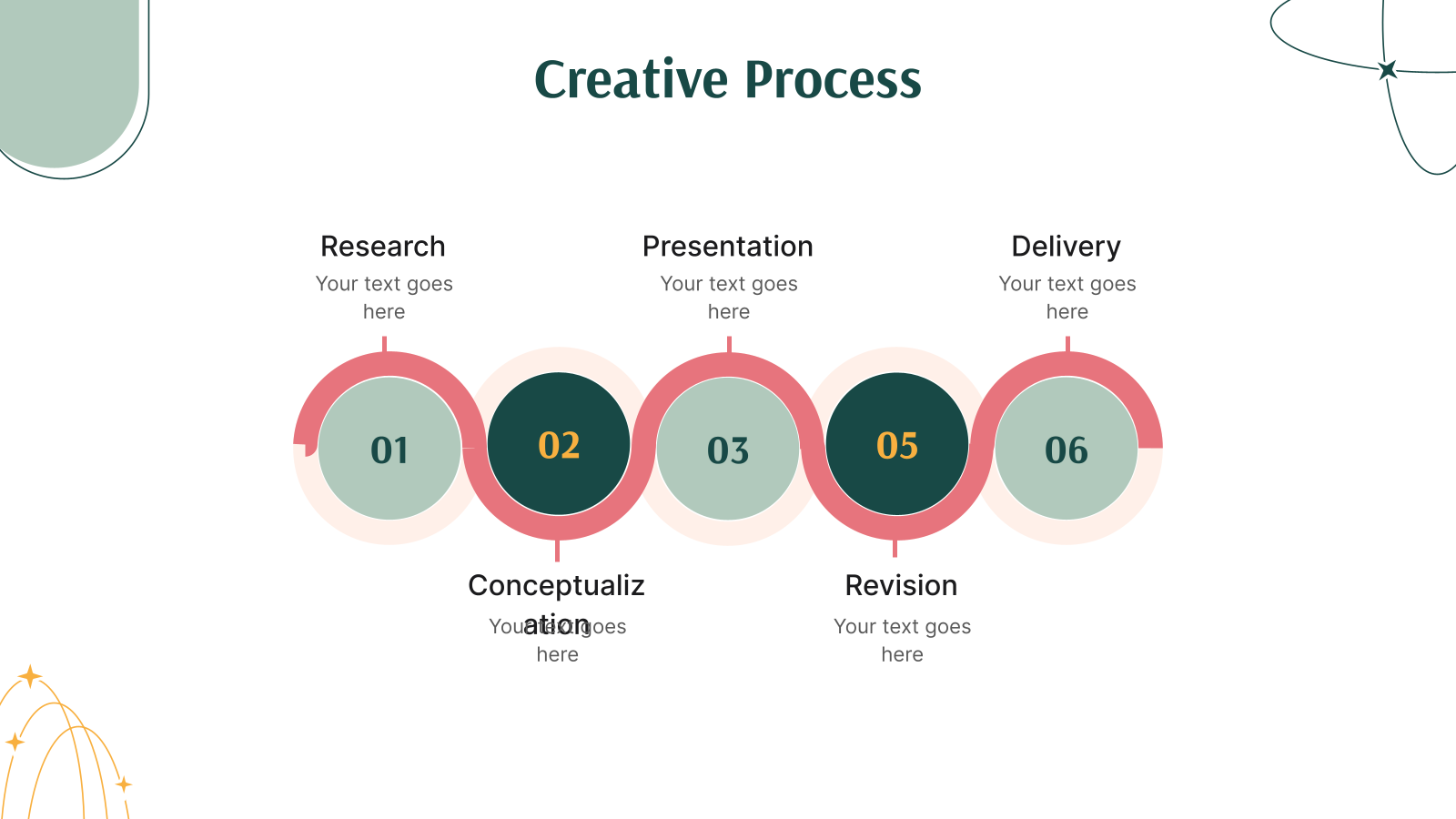

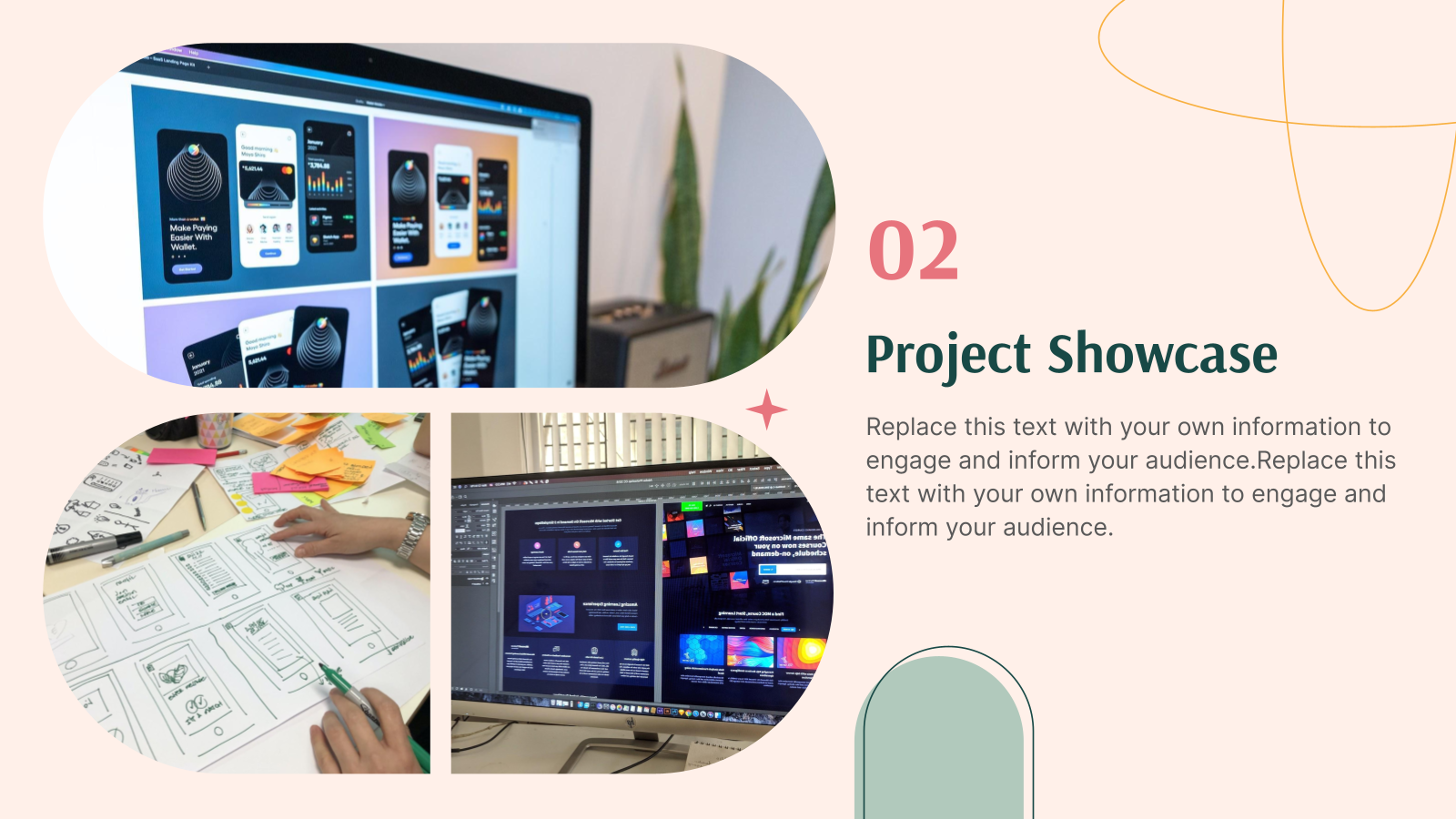

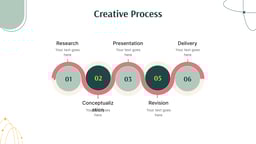

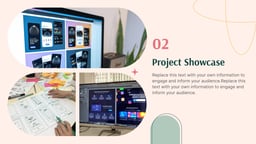


A portfolio presentation template is a professionally designed slide deck that helps you showcase your work, skills, projects, and achievements in a clear and structured format. Instead of building slides from scratch, you start with ready-made layouts designed specifically for portfolios.
This ensures your presentation looks polished, organized, and visually appealing from the very beginning. You can use a presentation portfolio template to introduce yourself, highlight key projects, present measurable results, and communicate your value confidently.
What are the Prominent Applications of Templates for Portfolio Presentation?
A well-designed presentation portfolio template is useful across multiple industries and career stages. Whether you are preparing for a job interview, pitching a client, submitting academic work, or building your personal brand, this format helps you present your experience in a compelling and easy-to-follow way.
With fully editable Google Slides and PowerPoint portfolio presentation templates and versions available, you can customize everything to match your goals. Here’s how professionals and students use it:
- Job Interviews & Career Advancement
Present your background, skills, and project highlights in a structured way that helps hiring managers quickly understand your strengths and impact.
- Freelancers & Agencies Pitching Clients
Showcase case studies, past projects, testimonials, and measurable results in a format that builds credibility and trust.
- Student & Academic Portfolios
Ideal for internship applications, university submissions, and capstone presentations where you need to demonstrate coursework and practical work.
- Personal Branding & Professional Positioning
Tell your story visually. Highlight your values, expertise, and unique approach to stand out in a competitive market.
- Creative Professional Showcases
Designers, photographers, writers, marketers, and artists can present their work clearly without cluttering slides or overwhelming viewers.
If you are looking for templates for portfolio presentations that work across roles and industries, this layout offers flexibility and clarity.
What Makes These Portfolio Presentation Templates Special?
Not all templates for portfolio presentation offer the same level of flexibility and efficiency. Here’s what makes SlidesAI templates stand out:
- Pre-Designed Professional Layouts
Start with thoughtfully designed slides instead of blank pages. This saves hours of formatting work and allows you to focus on presenting your best work.
- Full Customization Control
You can edit layouts, colors, fonts, and content to match your personal brand or company identity. Every PowerPoint portfolio presentation template is fully adaptable.
- AI-Powered Slide Creation
With SlidesAI for Google Slides, you can enter your text outline, and the tool automatically generates structured, visually balanced slides. It adjusts layouts, fonts, and formatting instantly.
- Consistent Visual Themes
Pre-defined themes and color palettes of SlidesAI ensure your presentation maintains a cohesive look from start to finish.
- Professional Results Without Design Experience
Even beginners can create a polished portfolio. The professional and polished structure of SlidesAI does the heavy lifting while you focus on your content.
If you are searching for a free portfolio presentation template that delivers both structure and flexibility, this template provides the right balance.
Build Stunning Slides in Seconds with AI
- No design skills required
- 3 presentations/month free
- Don't need to learn a new software


How to Use This Portfolio Presentation Template?
- Microsoft PowerPoint: Click on Download > Click on “PowerPoint” > Click on the downloaded file to make a copy and start customizing/editing the template
- Google Slides: Click on Download > Click on “Google Slides” > Click on “Use Template” to make a copy and start customizing/editing the template
Create presentations in seconds. Enter text and SlidesAI creates customizable slides based on that text in seconds that go well with all our templates, too.
Create Presentations Easily in Google Slides and PowerPoint
15M+Installs

Frequently Asked Questions
1. Do portfolio presentation templates work across different professions?
Yes. A portfolio presentation template works for designers, developers, marketers, consultants, students, and corporate professionals.
2. Can I personalize the design to match my brand?
Absolutely. You can modify fonts, layouts, visuals, and color schemes to reflect your identity.
3. Is this template suitable for interviews?
Yes. It helps you clearly present your experience, skills, and achievements during interviews.
4. Does it work in both Google Slides and PowerPoint?
Yes. These portfolio presentation templates are compatible with both platforms.
5. Do I need prior design experience?
No. The structure and layout are beginner-friendly while maintaining a professional appearance.
6. How many slides should a portfolio include?
Most effective portfolios contain 8 to 15 slides, enough to showcase your work without overwhelming your audience.
7. What sections should a strong portfolio contain?
A well-structured presentation portfolio template includes an introduction, skills overview, featured projects, results or testimonials, and a closing slide with contact details.
8. Can this template be used for client proposals?
Yes. It works well for pitching services and demonstrating expertise to potential clients.
9. Is it suitable for virtual presentations or interviews?
Yes. The clean structure makes it ideal for online meetings, interviews, and screen sharing.
10. Should I tailor the presentation for each audience?
Yes. Customizing your portfolio presentation template for the specific role or client increases relevance and engagement.
11. Can I add clickable links?
Yes. You can include links to websites, case studies, or live projects.
12. Is it suitable for both creative and corporate roles?
Yes. The design is flexible enough for creative portfolios and formal business settings.
13. Can I update it over time?
Absolutely. You can continue adding new projects, achievements, and skills as your career grows.
14. Is this portfolio presentation template suitable for first-time users?
Yes. It is built with a simple, intuitive structure that helps beginners create a clean, professional-looking portfolio without needing design experience.