Turn Notes, Prompts, Documents, Text Into Stunning Presentations with SlidesAI
Built around the way you work, wherever you work. Google Slides, PowerPoint, ChatGPT, or straight from your browser. No switching apps. No file to import back in. Done in a click.
Trusted by leading companies and educational institutions






















No need to learn a new tool
Works Where You Work
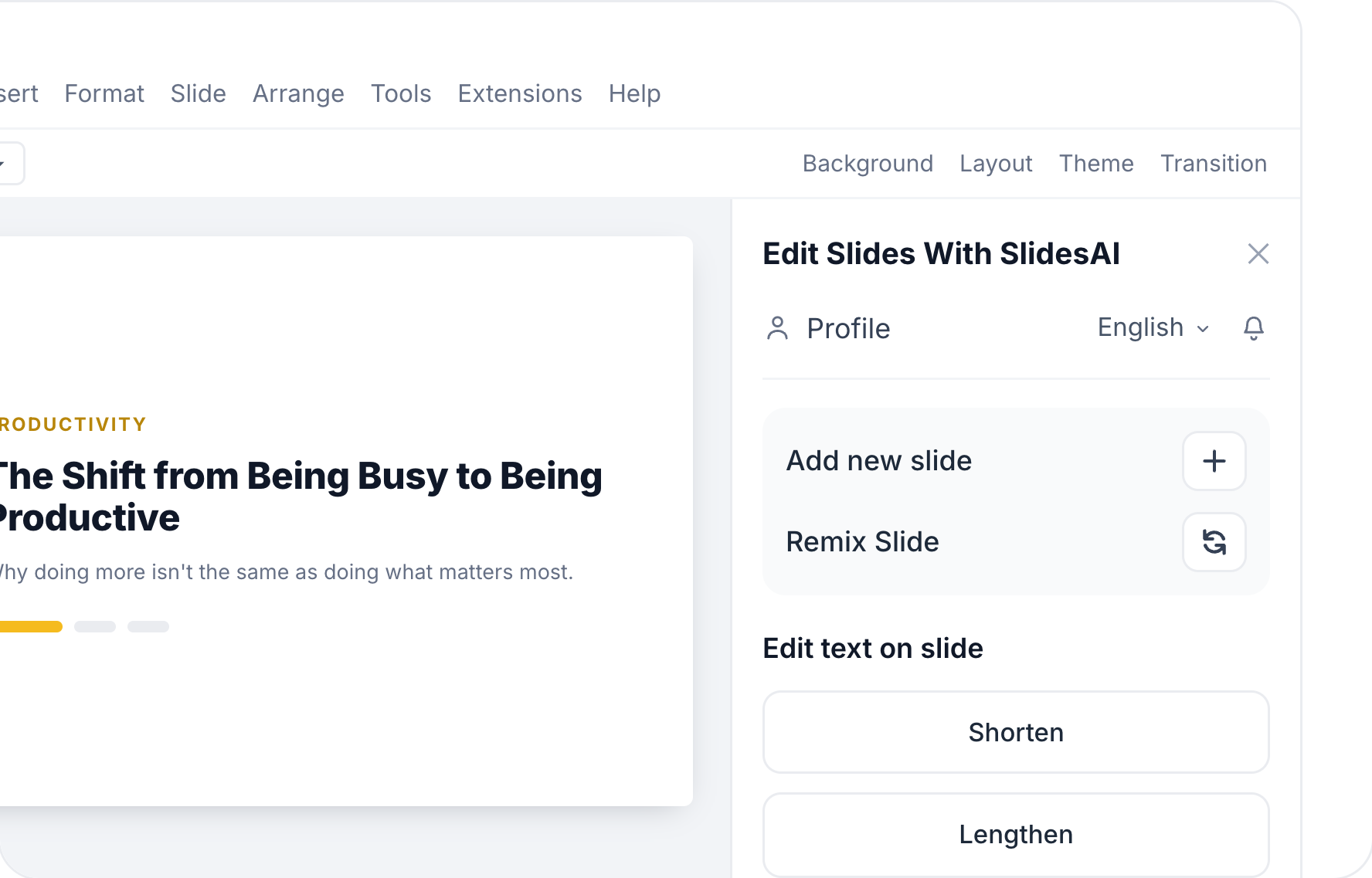
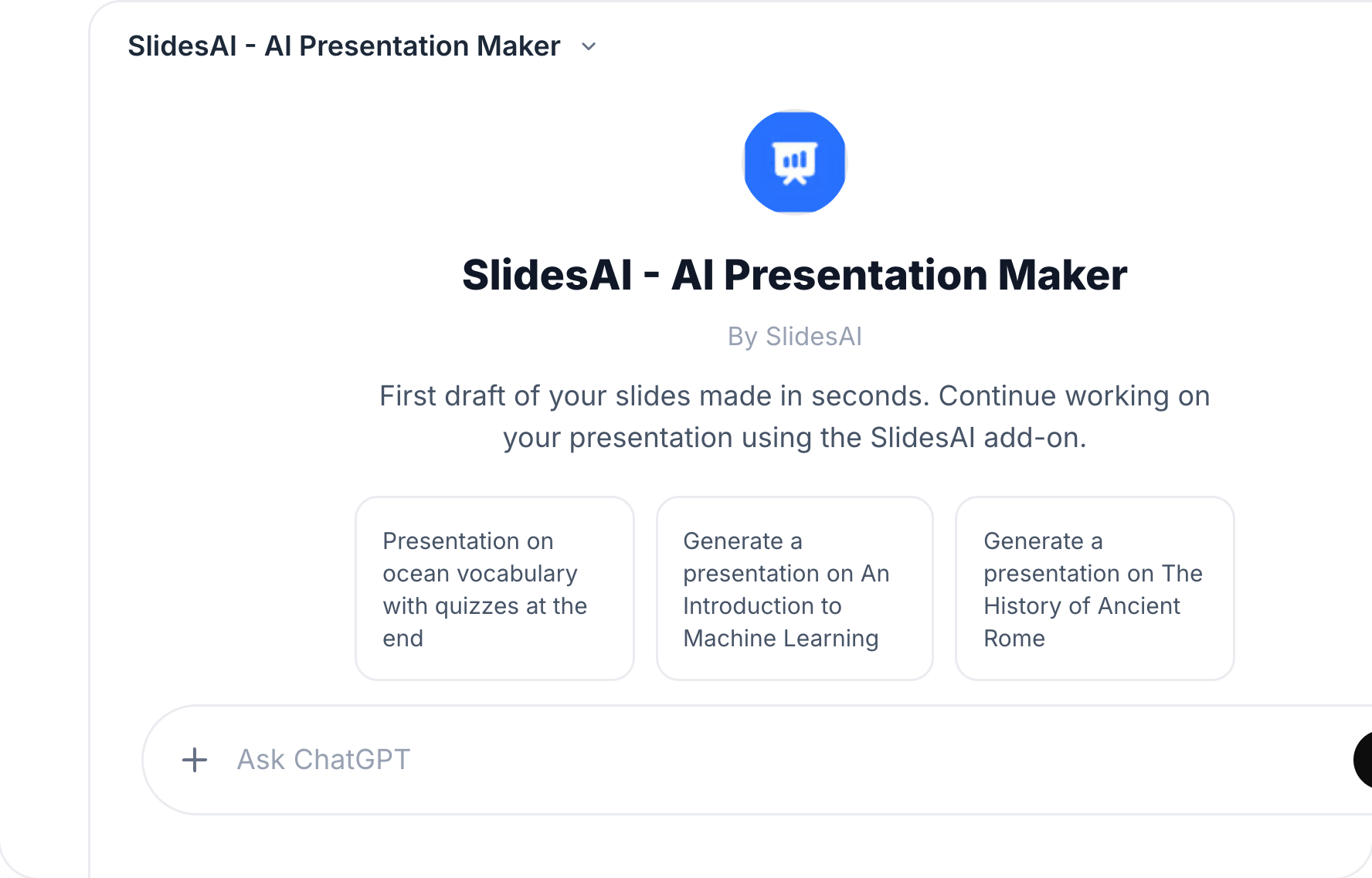
SlidesAI works wherever you do. Create and edit presentations in Google Slides, PowerPoint, and ChatGPT, or use our web app from any device - laptop, desktop, or mobile.




Brand Kit
Upload your  PPT.Get on-brand presentations.
Every presentation comes out in your colors, fonts, logo and layouts. No restyling.
1Your PPT

2Your brand
Colors
Fonts
Logo
64 layouts
3On-brand presentations
Example decks for illustration. McKinsey & Company, Reddit and Spotify are trademarks of their owners and aren't affiliated with SlidesAI.
Customer Testimonials
See What People Are Saying About SlidesAI

Maria Vasilyeva
Great! In a few seconds you can get a structured presentation with a photo, it saves me a lot of time! Great tool! Thank you Anurag!

John Little
Just starting to play with the app. It was recommended by a friend and so far so good! Also, the tech support was fast and beneficial!

Oghale Agbawhe
This app exceeded my expectations. It is very useful and convenient, saves time and eliminates the stress of manually creating PowerPoints. I highly recommend it!

hassanain ali
working fantastic and very helpful. Saving me so much time by automatically generate sub-titles on each pages and analyze my paragraph to points form! highly recommend! The support is super fast and helpful, I didn’t even expect to get such a fast responds at late night time
Widi Oremo
Amazing product. It was very easy to use and intuitive. I was also assisted very promptly by its creator and team when I needed help.

Marcelo Caballero
Genial, te reduce los tiempos y bloqueos mentales para realizar una presentacion de algun tema en especifico. asi es posible concentrarse en los detalles. Muy Util.
Spend 85% less time building slides - 3.7M+ presentations created with SlidesAI, and counting.
Bring Anything. Start Creating.
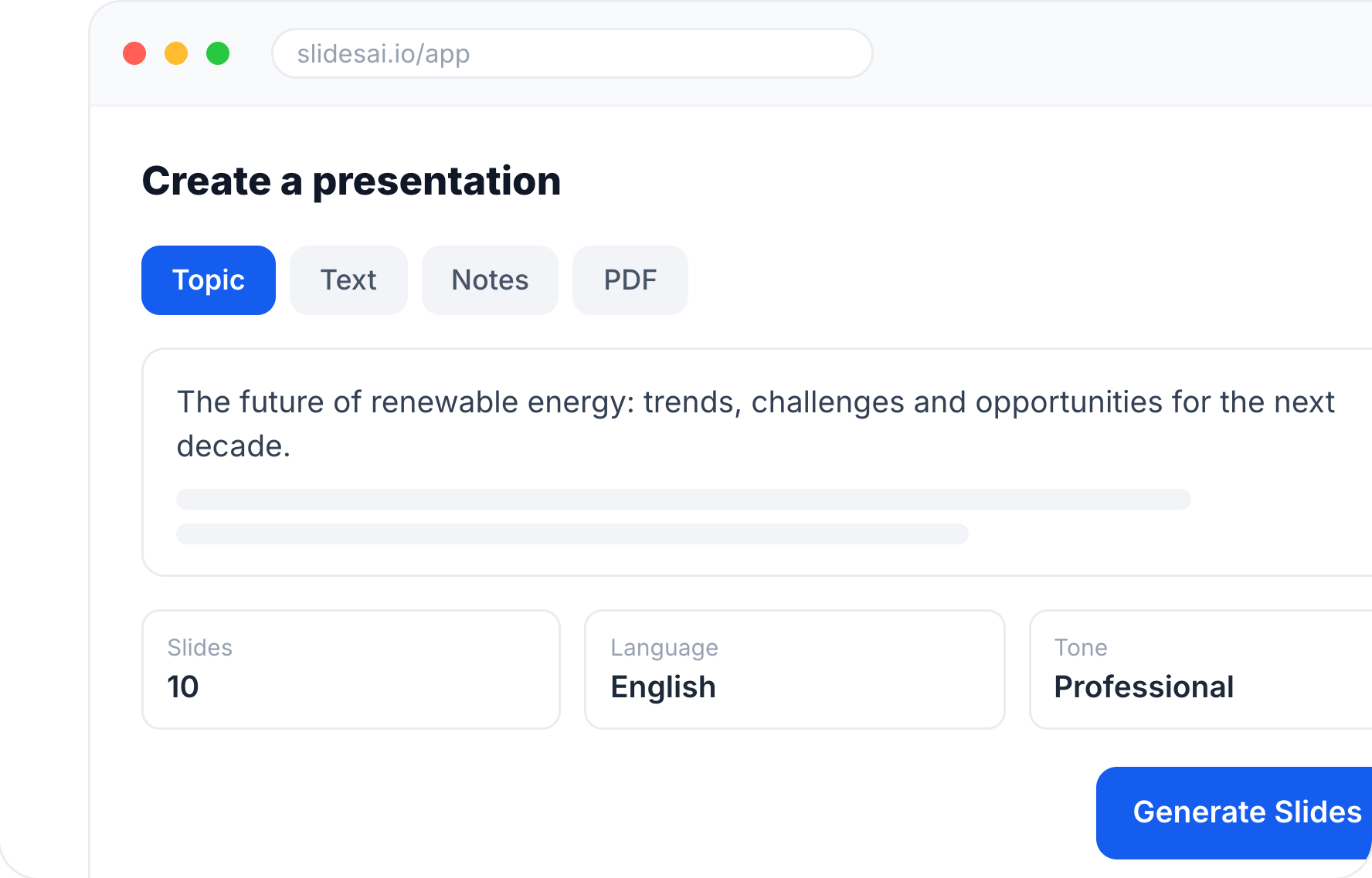
- Type a topic, paste your notes, or attach a document, and pick a style.
- If something's unclear, SlidesAI asks a few quick questions instead of guessing.
- Confirm the slide count, audience, tone and language before it writes a word.
Shape the Story. Make it Yours.
- Your outline opens next to the chat, one line per slide.
- Click any title or line to rewrite it, or drag slides into a new order.
- Press Continue and SlidesAI writes the text for every slide, ready to edit.
Done. On Your Terms.
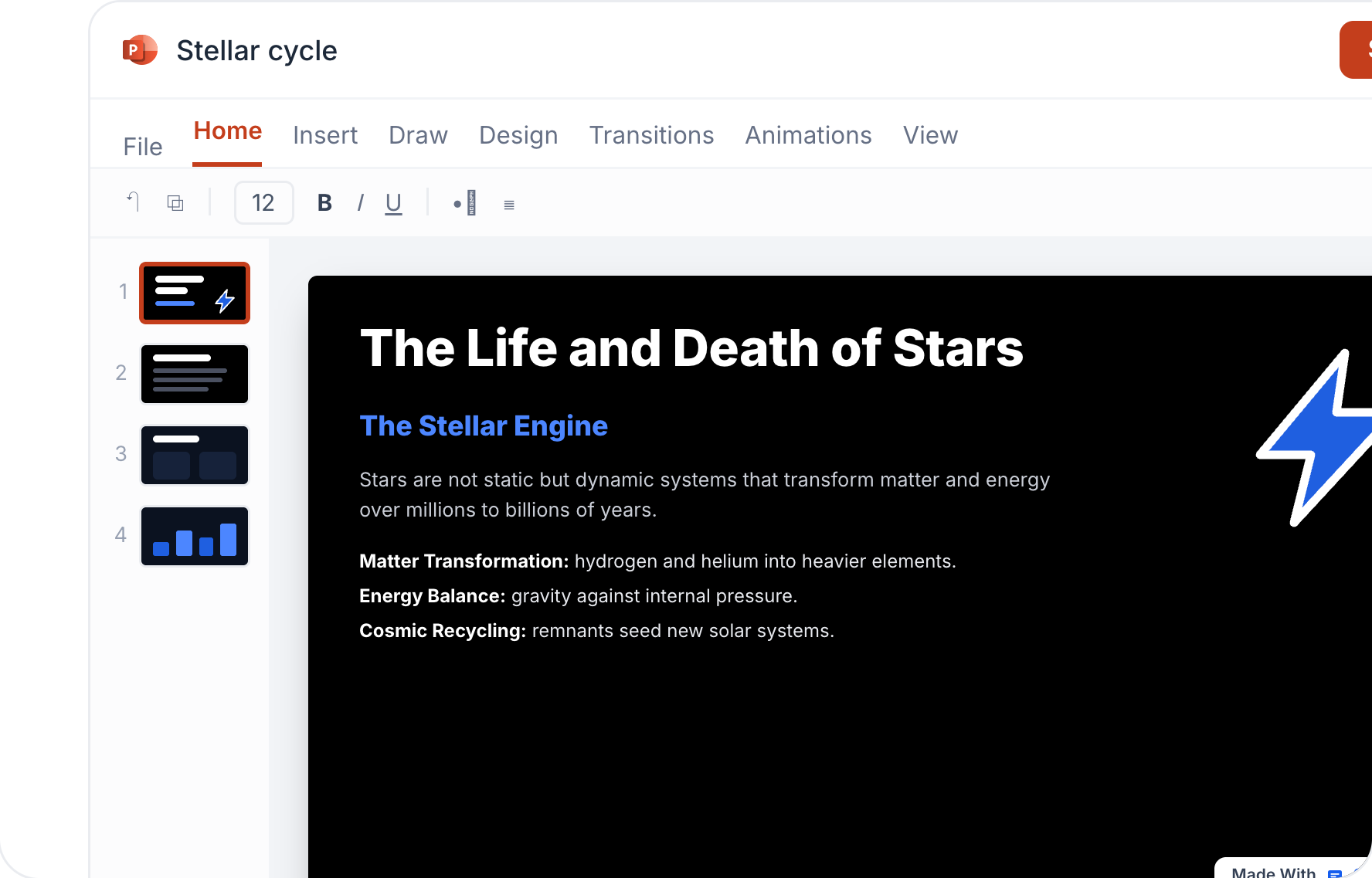
- Edit any slide's text yourself, or ask SlidesAI. Its changes wait for your Accept.
- Press Create and SlidesAI designs every slide in your style, then opens the deck in the editor.
- Present it, share a link, or export to PowerPoint or Google Slides.
Powerful, Simple, Effective
Business Meeting? Lecture Slides? Thesis Defence? SlidesAI Handles All of it.
Whether you are a teacher building lecture slides, a student turning research notes into a thesis presentation, or a professional who needs polished decks fast, our AI slides maker does the job in a fraction of the time.

Professionals
Build business updates, meeting decks, reports, and proposals.
Your notes are already the hard part done. You don't need to add formatting to the list. SlidesAI turns them into a ready-to-present deck.

Educators
Create lesson slides, lecture decks, and classroom material.
One less thing on today's list. Simply hand over your notes to SlidesAI, and get a presentation that actually engages your students.

Students
Turn assignments, notes, and research into presentations.
You've read everything, researched everything. Now SlidesAI does the one part you kept putting off - the slides.

Sales Teams
Create pitch decks, client presentations, and product explainers.
Use your expertise to close, leave the pitch decks to us. SlidesAI builds ready-to-send decks instantly, so nothing slows you down between the call and the close.

Founders
Build pitch decks, investor updates, and strategy presentations.
Your deck shouldn't be the reason the round takes longer. SlidesAI makes it look like you've already raised one.

Marketers
Create campaign plans, marketing reports, and go-to-market decks.
Stop exporting charts into a doc and hoping it reads like a story. SlidesAI takes your raw content and builds it into a deck that actually tells one.
One tool that does what the others do separately
The other tools are genuinely good. But only SlidesAI meets you everywhere you already build slides - and leaves you with a native file you can keep editing.
| Capability | SlidesAI | Gamma | Canva | Plus AI | Presentations |
|---|---|---|---|---|---|
| Works in Google Slides, PowerPoint, ChatGPT and the web | Yes | Limited | Limited | Limited | Limited |
| Turn a script, notes, document, PPT or PDF into a deck | Yes | Yes | Yes | Yes | Yes |
| Editable AI diagrams, flowcharts and timelines | Yes | Yes | Yes | No | Limited |
| Animations applied automatically on generation | Yes | Yes | Limited | No | Yes |
| Edit the final content before slides are built | Yes | Limited | Limited | Limited | Limited |
| Exports native Google Slides & PowerPoint files | Yes | Limited | Limited | Yes | Limited |
| Real-time multi-collaboration | Yes | Yes | Yes | Yes | Yes |
| Entry paid plan, billed monthly | $12/mo | $12/mo | $15/mo | $15/user/mo | $240/yr ($20/mo)annual only plan |
Comparison verified against each vendor's own public documentation on 23 July 2026. Prices are the entry-level paid individual plan on month-to-month billing, US pricing in USD; annual billing is cheaper for every vendor. Presentations.ai sells its Pro plan annually only ($240/year), so its monthly figure is the annual equivalent. Prices vary by country. Features and pricing change often - check each vendor's site for the latest. All product names are trademarks of their respective owners.
SlidesAI Pricing
Simple Pricing for Everyone
Find Your Ideal Plan
Basic
Good enough to get started
$0
/month- 200 AI credits per month
- Lite & Balanced AI models
- 2,500 Character Input / Presentation
- Create from a topic or notes
- 1 Brand Kit: Import your branded PPTX template
- Up to 2 members and 2 guests
Pro
Perfect plan for students
$10.00
/user/month$120.00
- 30,000 AI credits per year (~140 presentations)
- Up to 20 slides per deck
- Lite, Balanced & Advanced AI models
- 50,000 Character Input / Presentation
- Create from a script, documents, topic or notes
- Upload PDF & Word documents
- 3 Brand Kits: Import your branded PPTX template
- Upload your own fonts
- Up to 5 members and 5 guests
Premium
For Educators and Professionals
$20.83
/user/month$250.00
- 84,000 AI credits per year (~400 presentations)
- 50+ slides per deck
- Every AI model, including Ultra
- 100,000 Character Input / Presentation
- Create from a script, documents, topic or notes
- Upload PDF & Word documents
- 6 Brand Kits: Import your branded PPTX template
- Upload your own fonts
- Up to 5 members and 5 guests
All prices shown are exclusive of applicable taxes. Any taxes due are calculated and added at checkout based on your billing location.
Individual and Team plans are sold by Dodo Payments, acting as the official Merchant Of Record (MoR)/Reseller of SlidesAI for those plans. It is not a subsidiary, a related entity, nor a distinct person for SlidesAI.
Ready to Create Better Slides, Faster?
Watch a full presentation take shape while you're still thinking about what to say next.