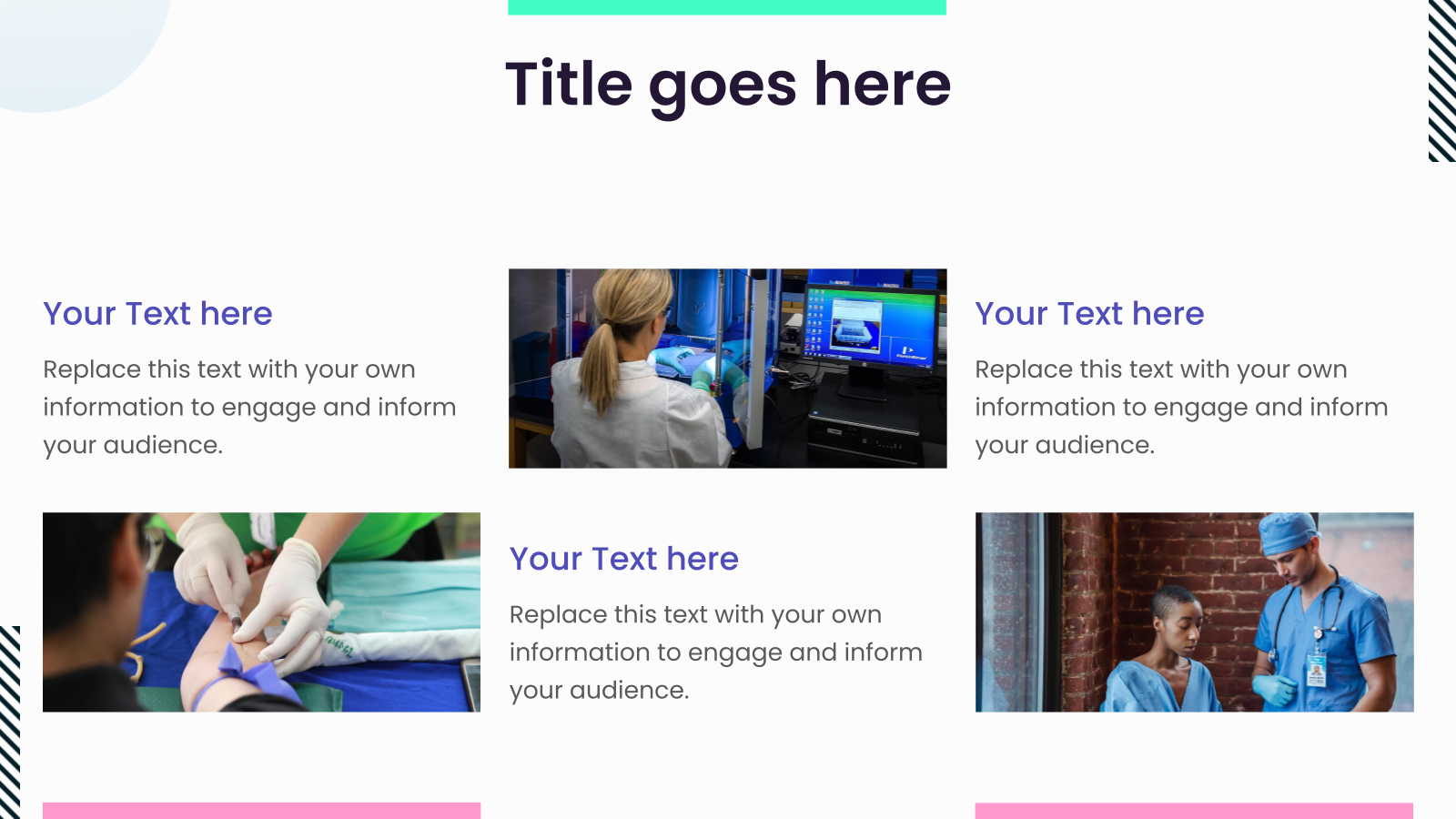
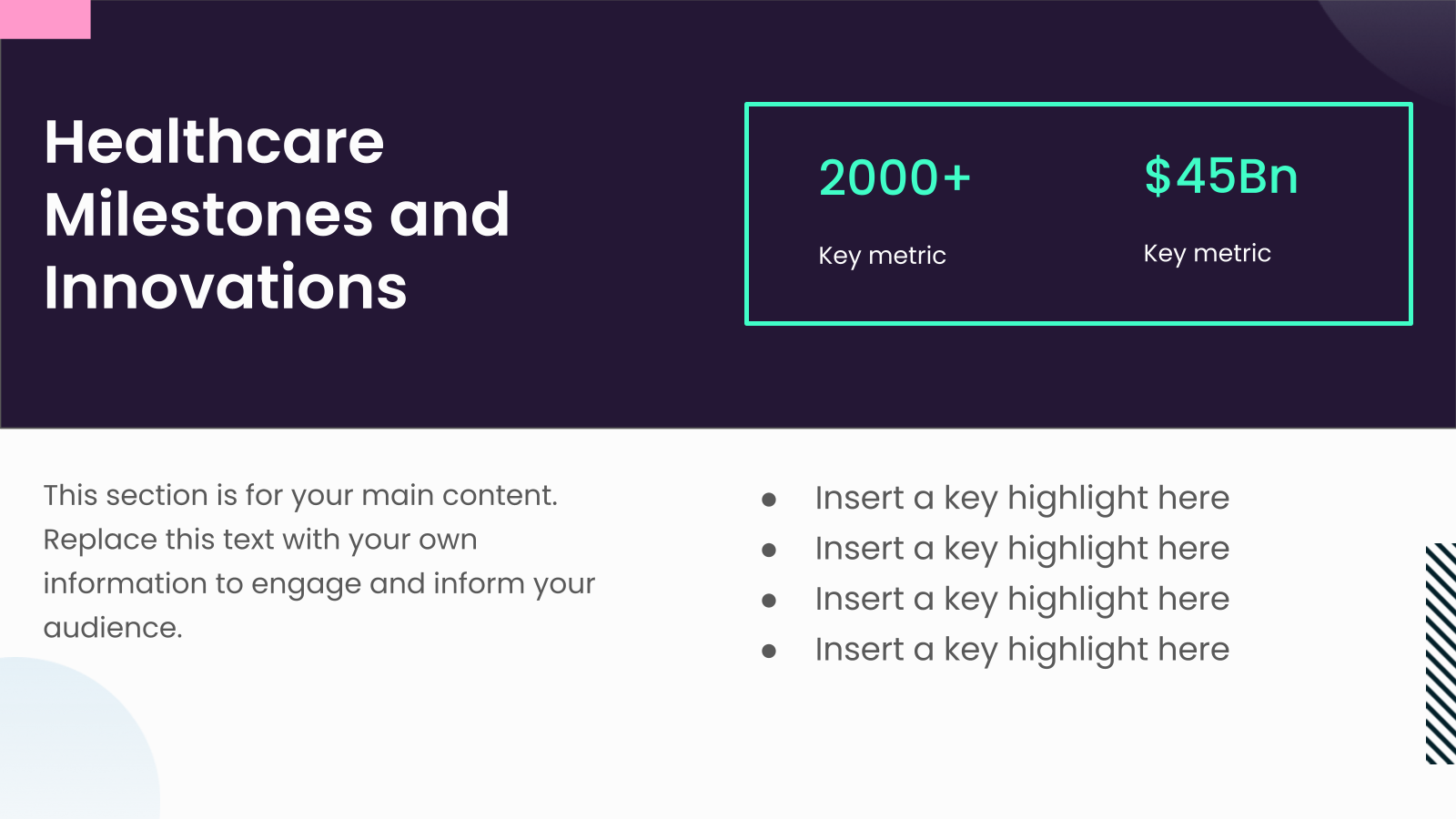
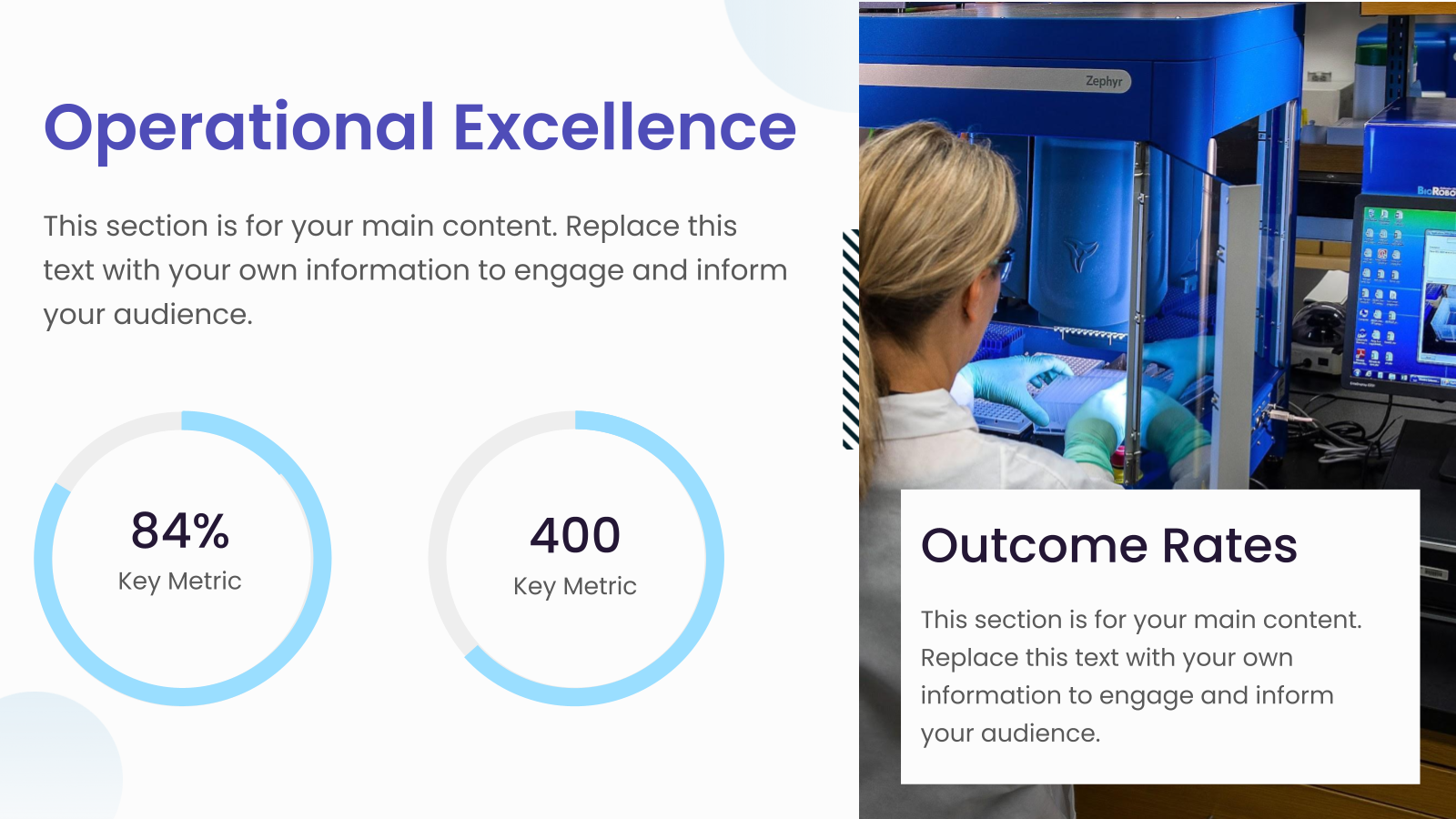
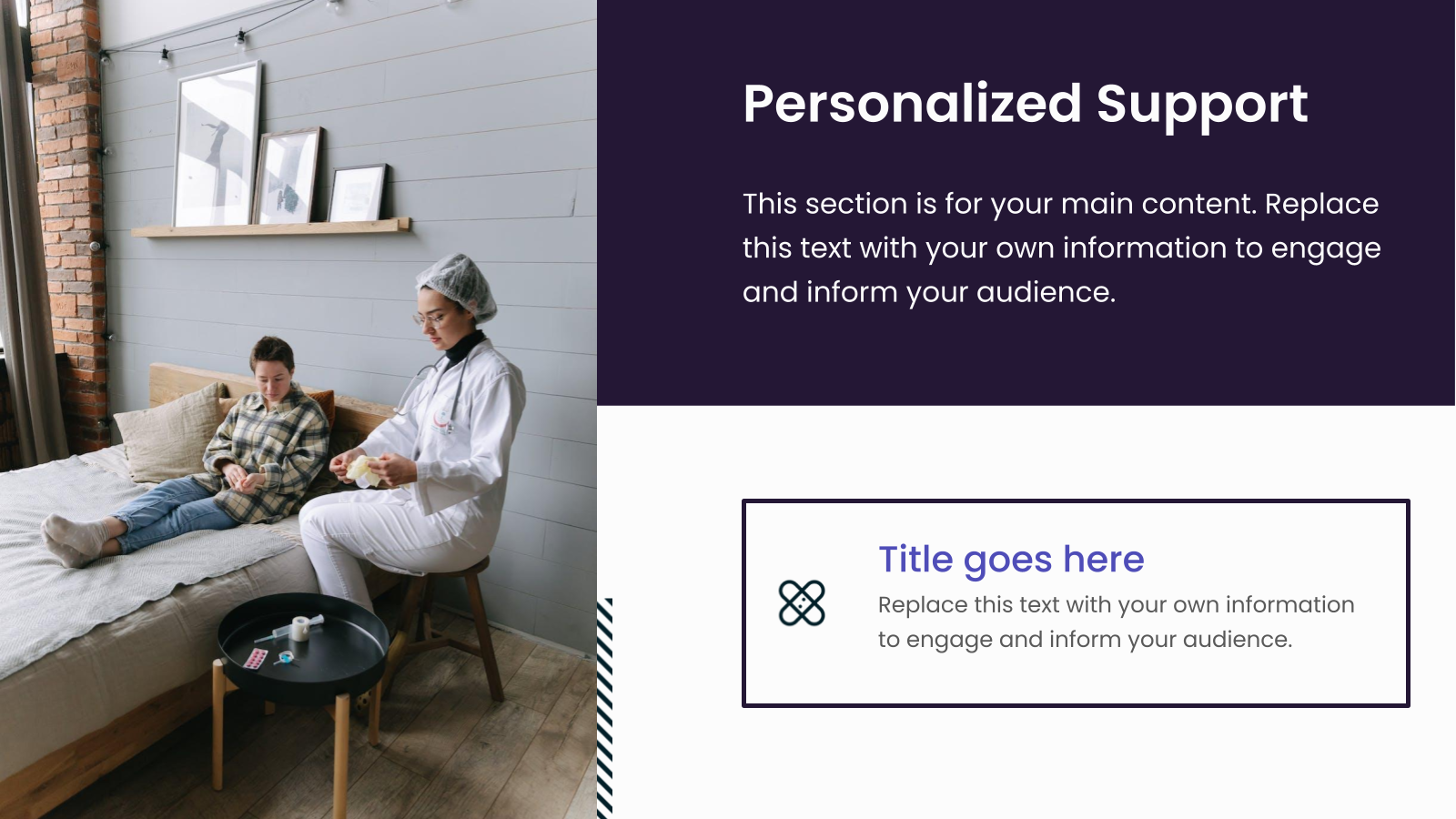
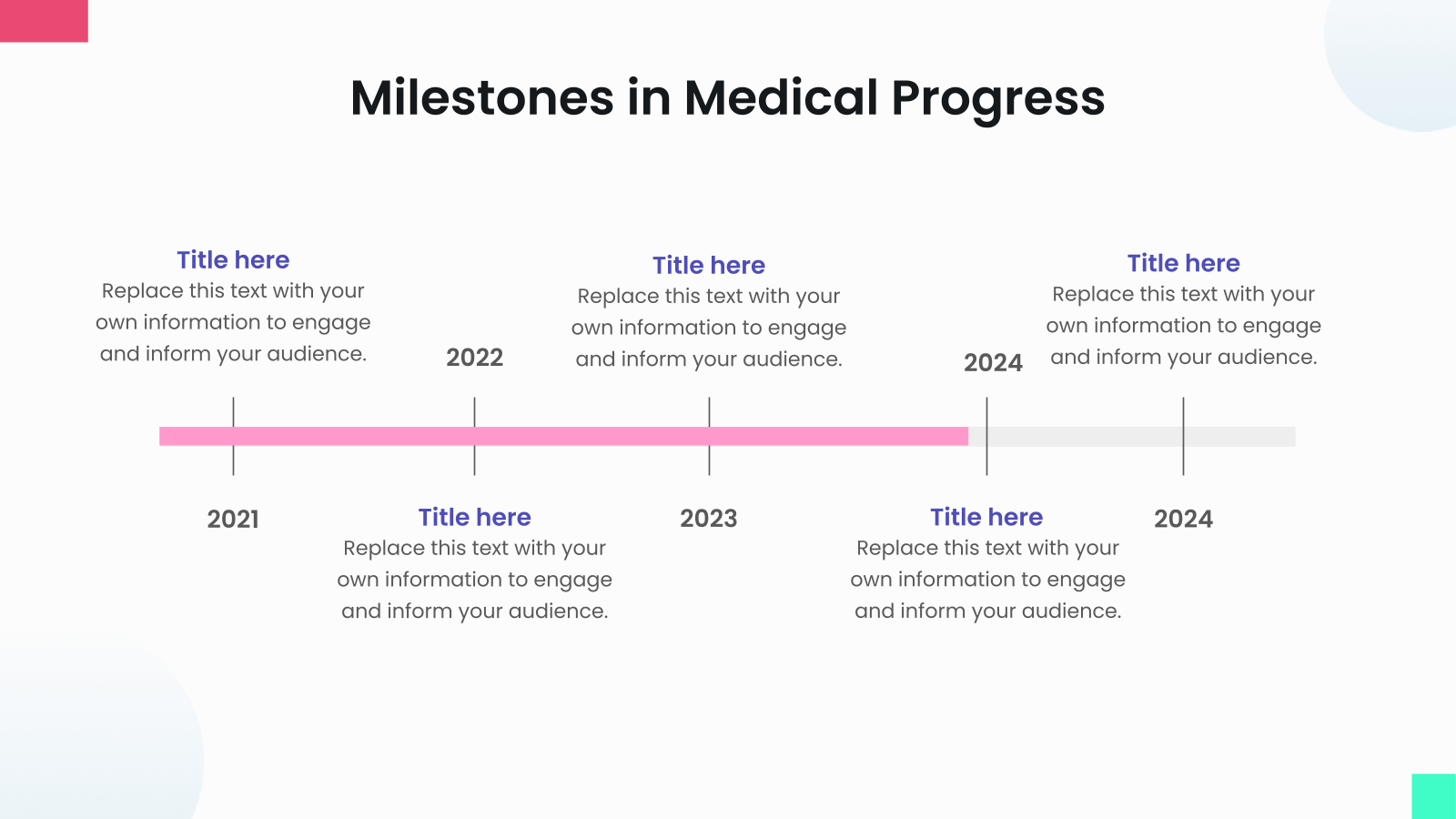
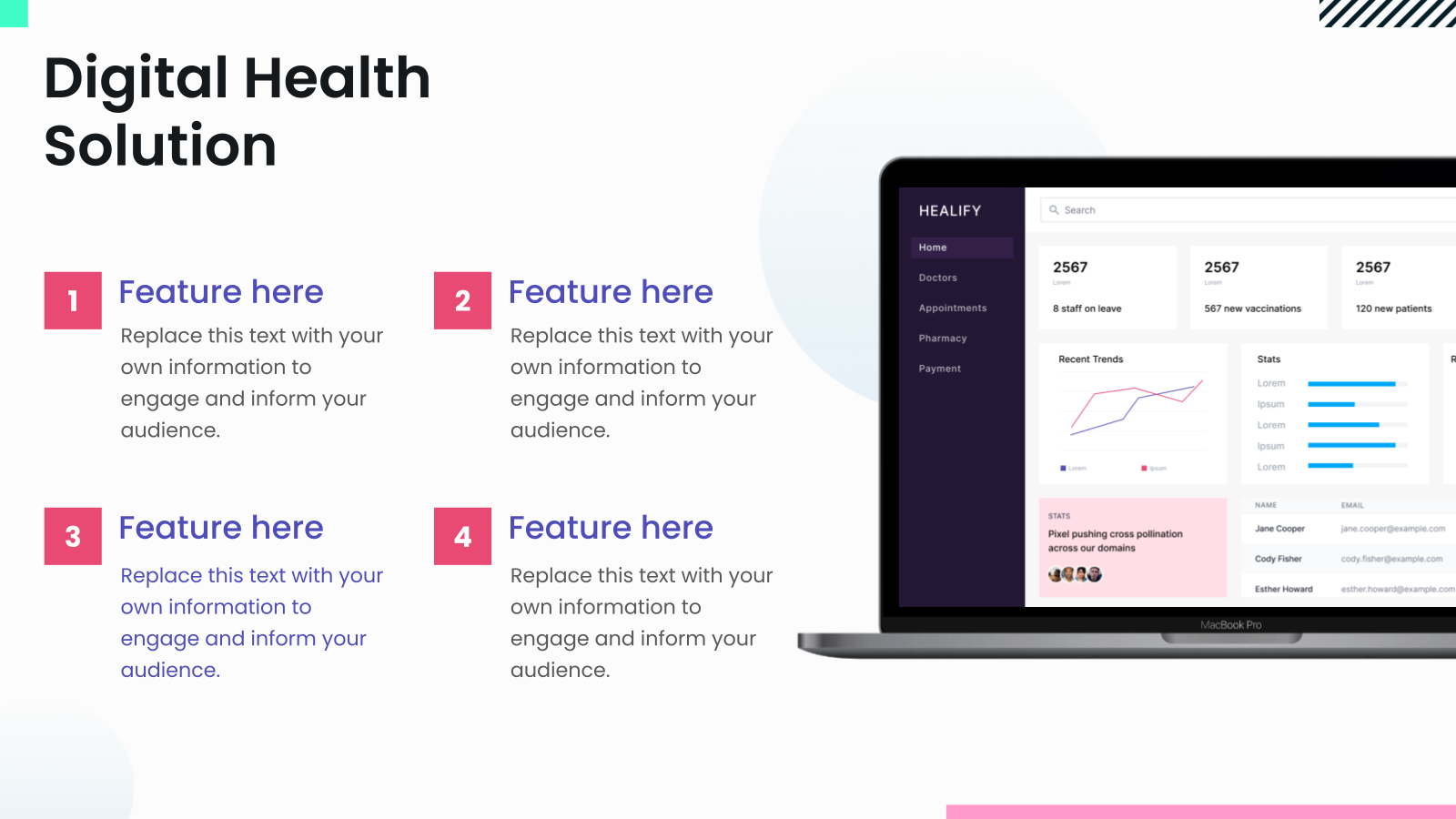



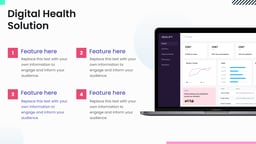

What is this Advancing Healthcare Presentation Template?
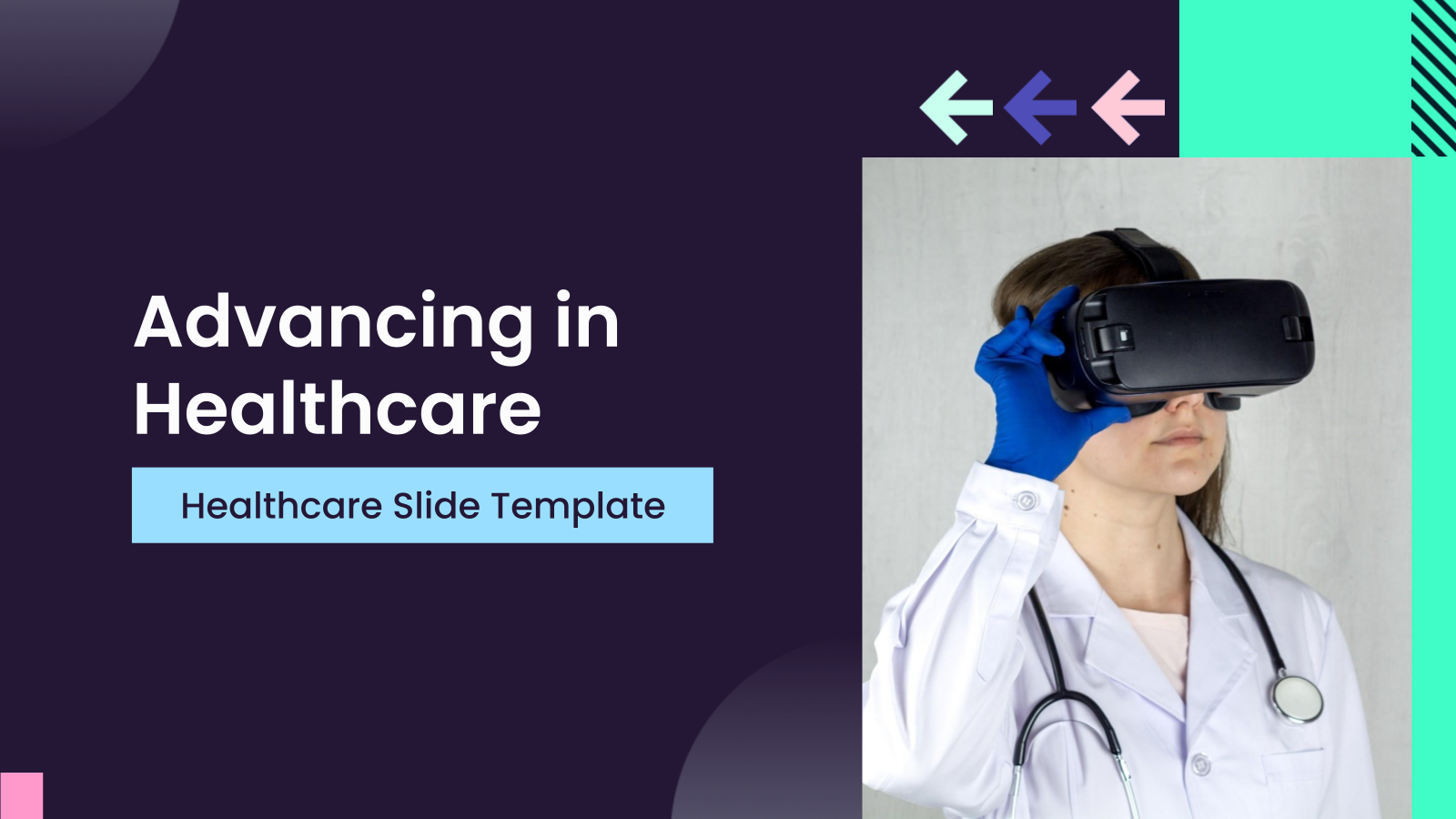
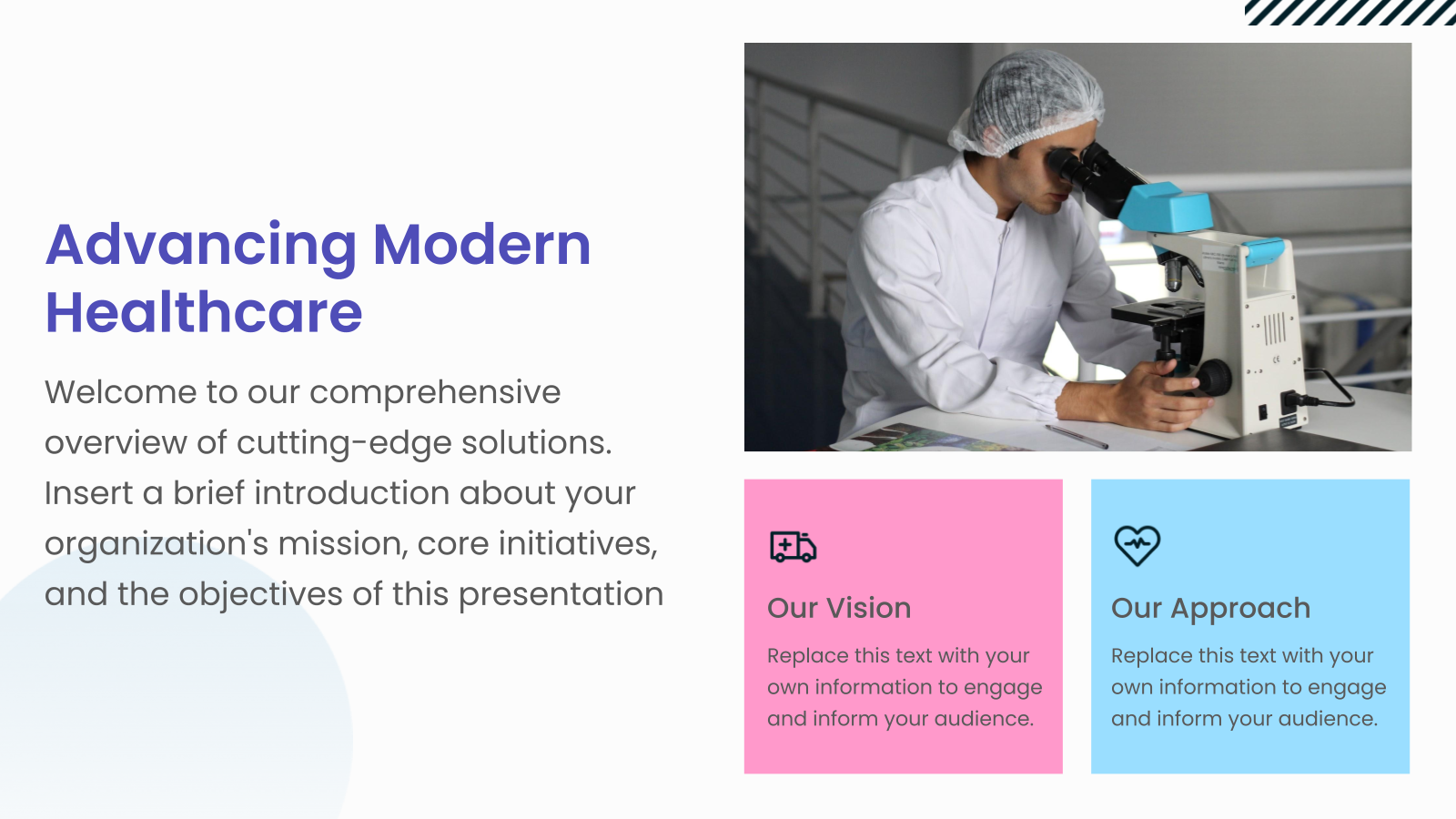
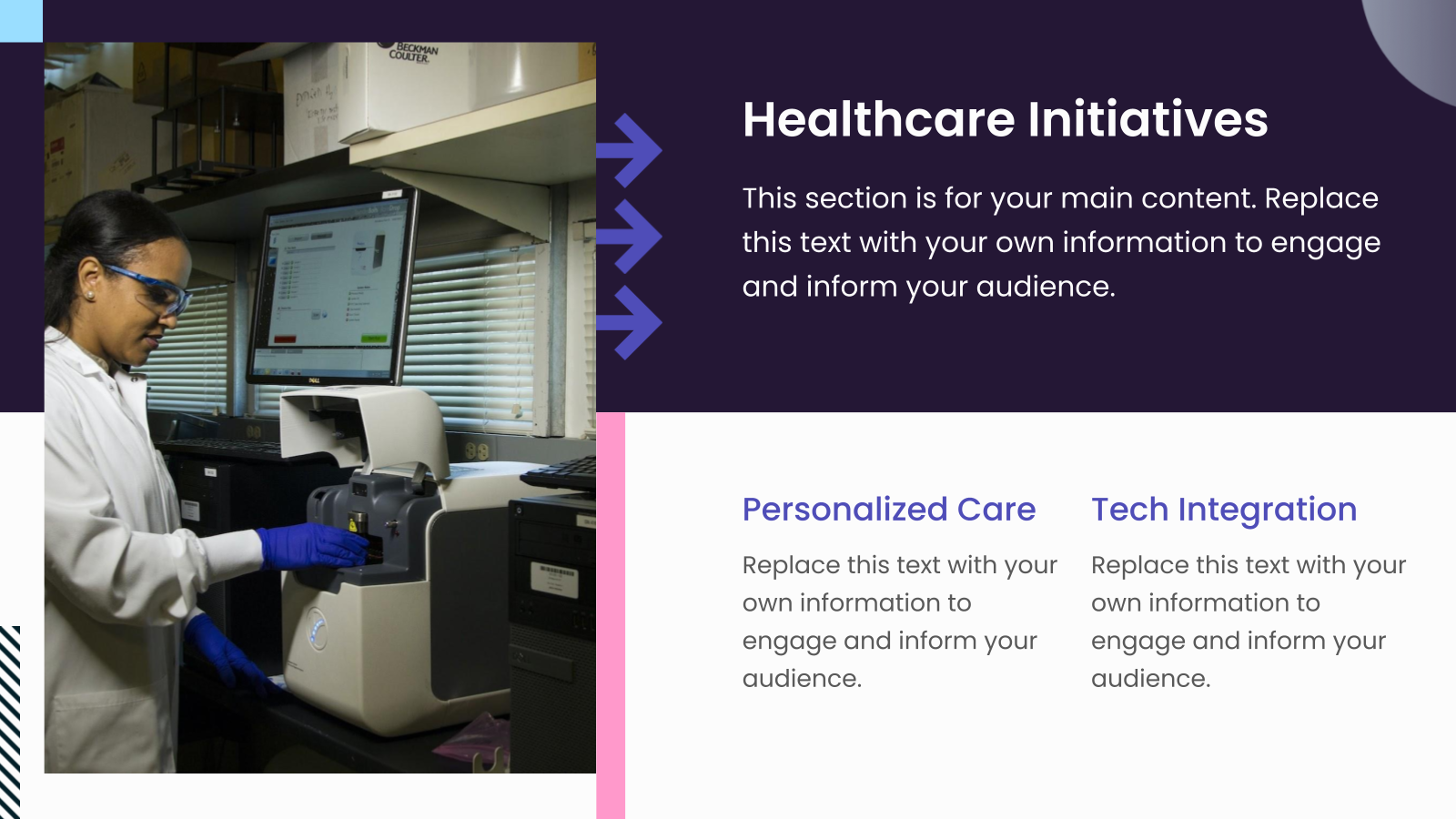
The Advancing Healthcare Presentation Template is a professionally designed slide deck created to showcase medical innovations, healthcare strategies, and industry advancements in a clear and engaging format. It helps healthcare professionals present data, insights, and future plans with structure and visual impact.
Applications of Advancing Healthcare Presentation Template
- Healthcare Innovation Presentations: Present new medical technologies, treatment methods, or healthcare advancements to stakeholders and decision-makers.
- Research & Findings Showcase: Structure clinical data, study results, and key insights for conferences, reports, or academic discussions.
- Hospital Strategy & Planning: Share operational improvements, patient care strategies, and long-term healthcare initiatives.
- Medical Conferences & Seminars: Deliver impactful presentations at industry events with clear storytelling and professional design.
- Internal Healthcare Meetings: Use for team briefings, policy updates, and performance reviews within hospitals or healthcare organizations.
Why choose SlidesAI’s Advancing Healthcare Presentation Template?
- Professionally Structured Layouts: Ensures your healthcare data, insights, and strategies are presented clearly and logically.
- Designed for Healthcare Professionals: Tailored specifically for medical topics, making it easier to communicate complex information effectively.
- Fully Customizable Slides: Adapt colors, content, and visuals to match your organization’s branding and presentation needs.
- Enhances Clarity & Engagement: Helps transform complex healthcare concepts into visually appealing, easy-to-understand slides.
Create Presentations Easily in Google Slides and PowerPoint
14M+Installs
 Install add-in
How to use SlidesAI’s Advancing Healthcare Presentation Template?
- Microsoft PowerPoint: Click on Download > Click on “PowerPoint” > Click on the downloaded file to make a copy and start customising/editing the template
- Google Slides: Click on Download > Click on “Google Slides” > Click on “Use Template” to make a copy and start customising/editing the template
Create presentations in seconds. Enter text and SlidesAI creates customizable slides based on that text in seconds that go well with all our templates, too.
Build Stunning Slides in Seconds with AI
- No design skills required
- 3 presentations/month free
- Don't need to learn a new software

Frequently Asked Questions
1. Can I add my own medical images to this template?
Absolutely. You can select any placeholder image or slide in the template and replace it with your own medical photos, illustrations, or graphics.
2. Can I customize fonts and colors in this healthcare template?
Yes, you can easily customize the fonts and colors of the Advancing in Healthcare template to match your brand guidelines or personal preferences.
3. Do I need Google Slides to use this template?
Yes, you need Google Slides to edit the content, because the template opens as a Google Slides file when you copy it to your account.
4. Is this Advancing in Healthcare template fully editable?
Yes, all presentation templates on this page are fully editable, which means you can change any text, visuals, or layout elements as needed.
5. Is this template suitable for internal medicine presentations?
Yes, the template is specifically mentioned as suitable for professionals in internal medicine, helping them present clinical findings and strategic initiatives clearly.
6. Can I use this template to present strategic healthcare plans?
Yes, the template is built to showcase strategic plans and key findings, making it ideal for presenting roadmaps, improvement initiatives, and advancement strategies in healthcare.