
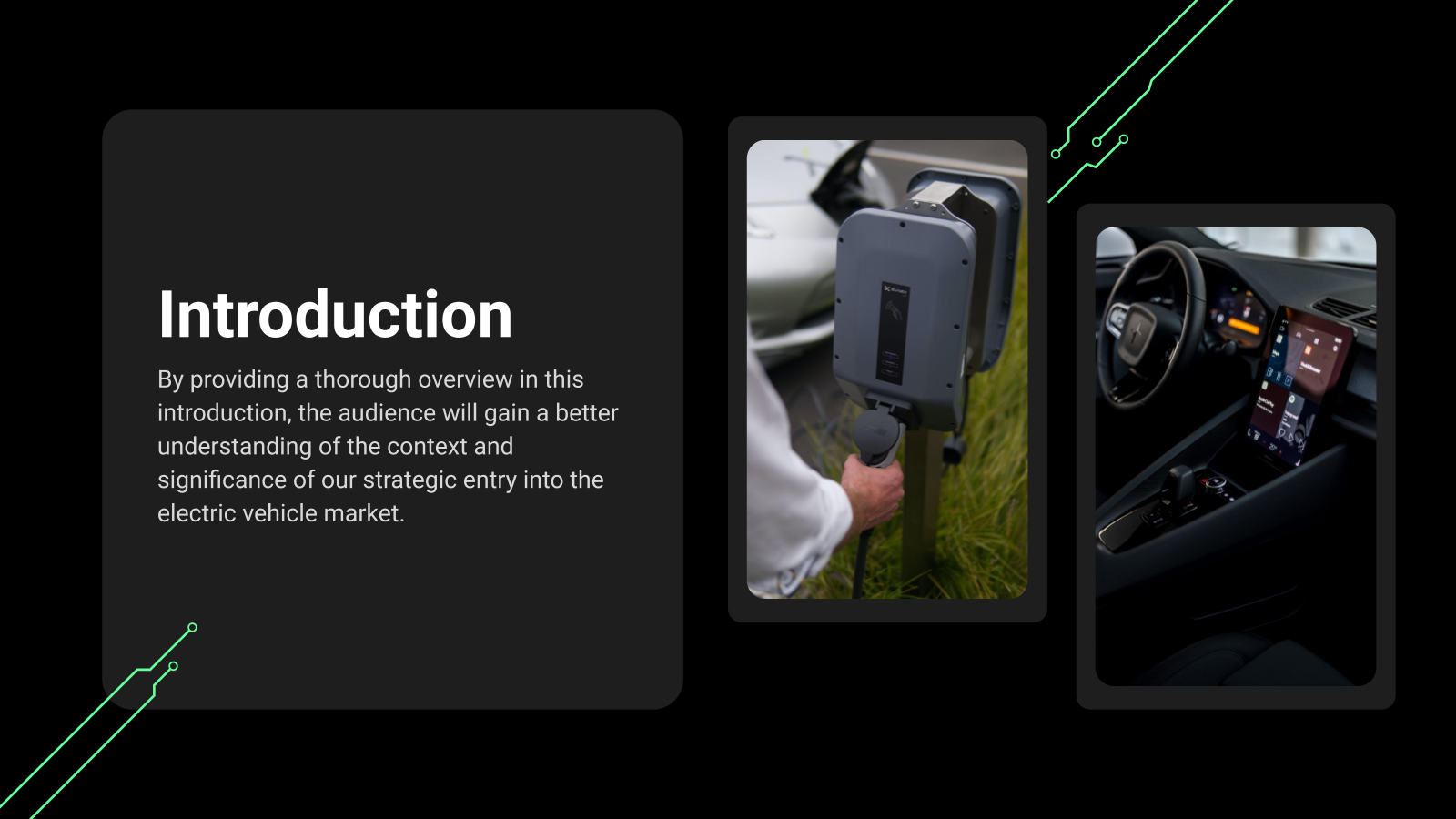
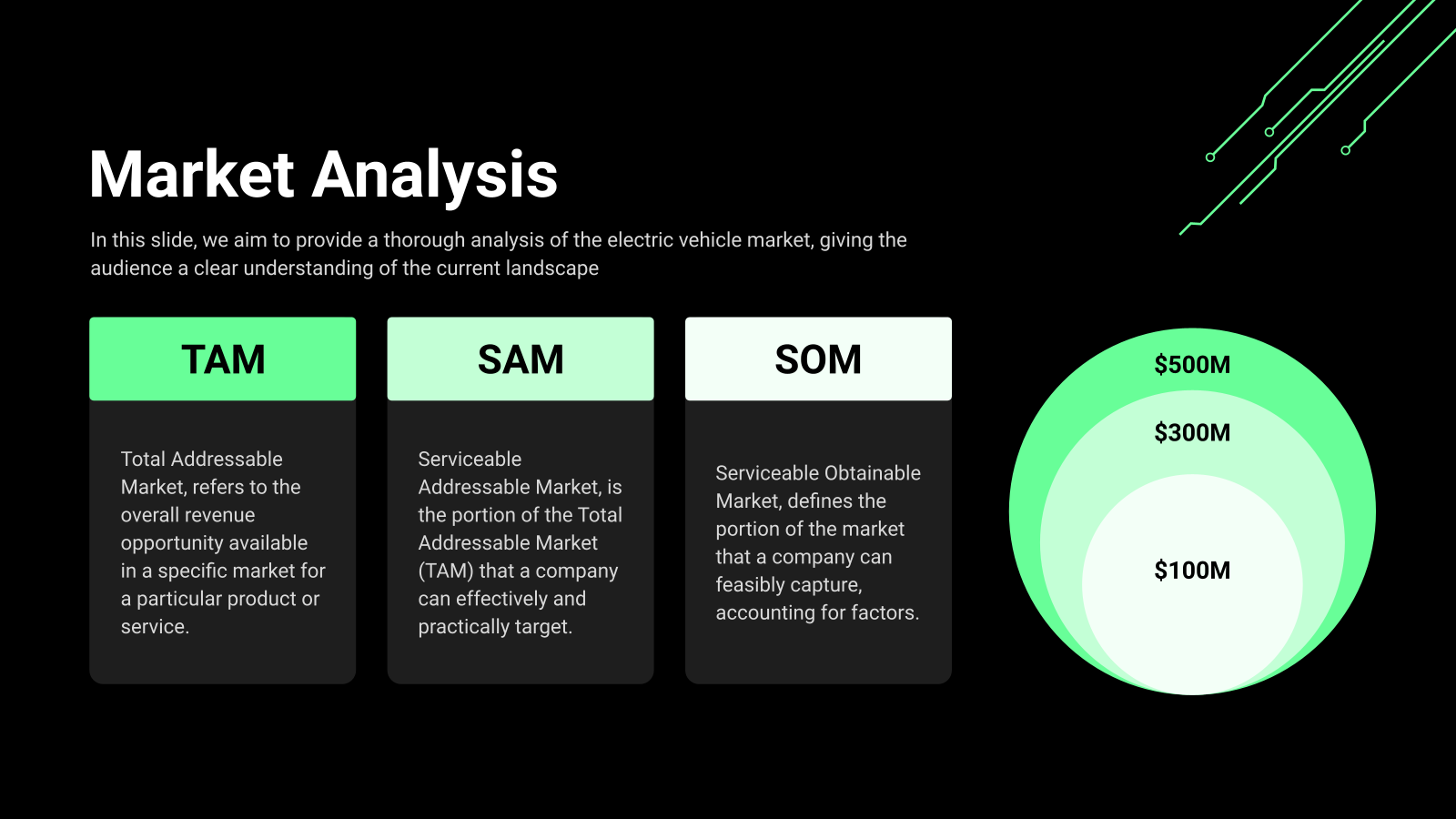
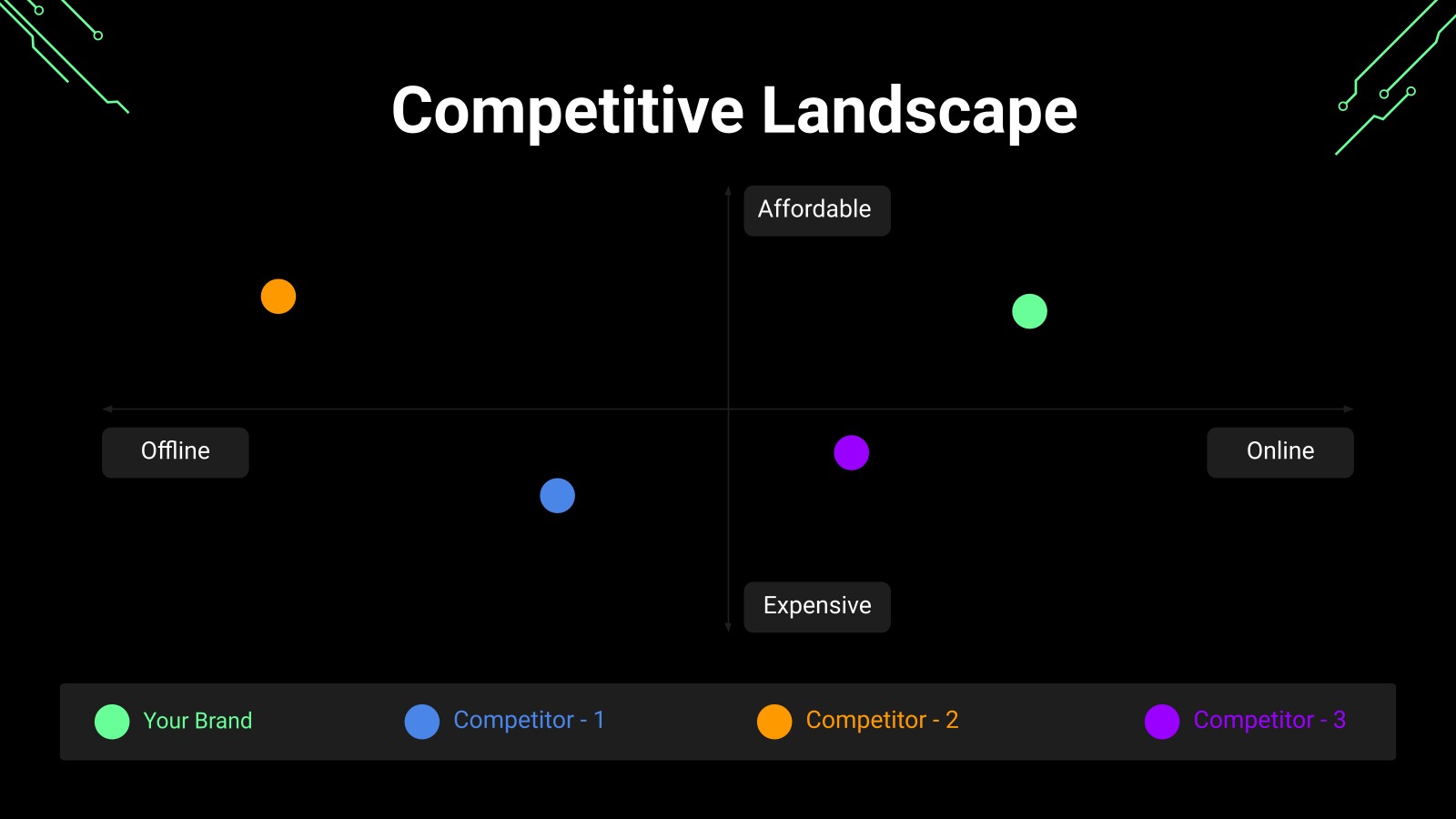
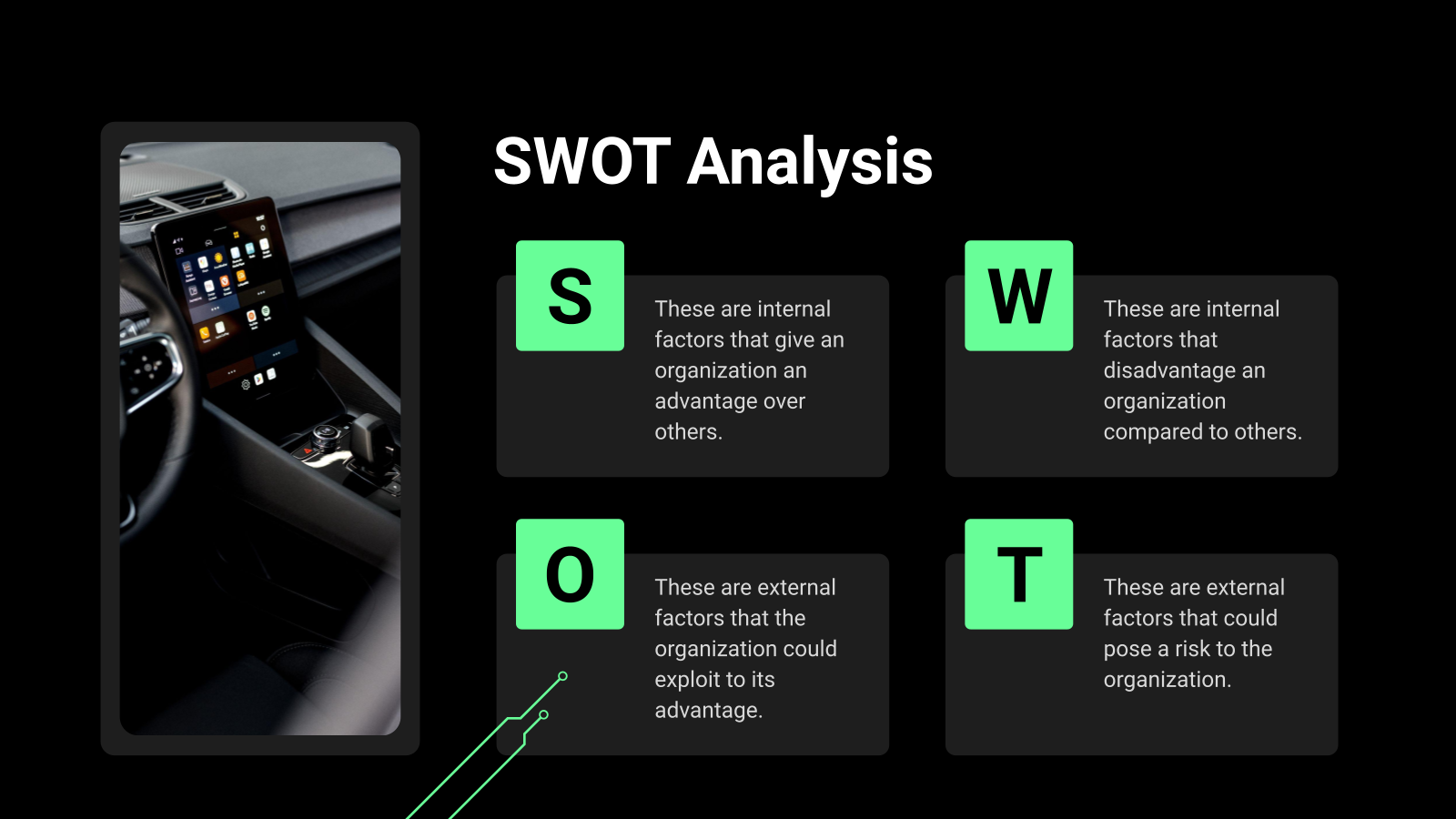












What is a Case Study Presentation Template?
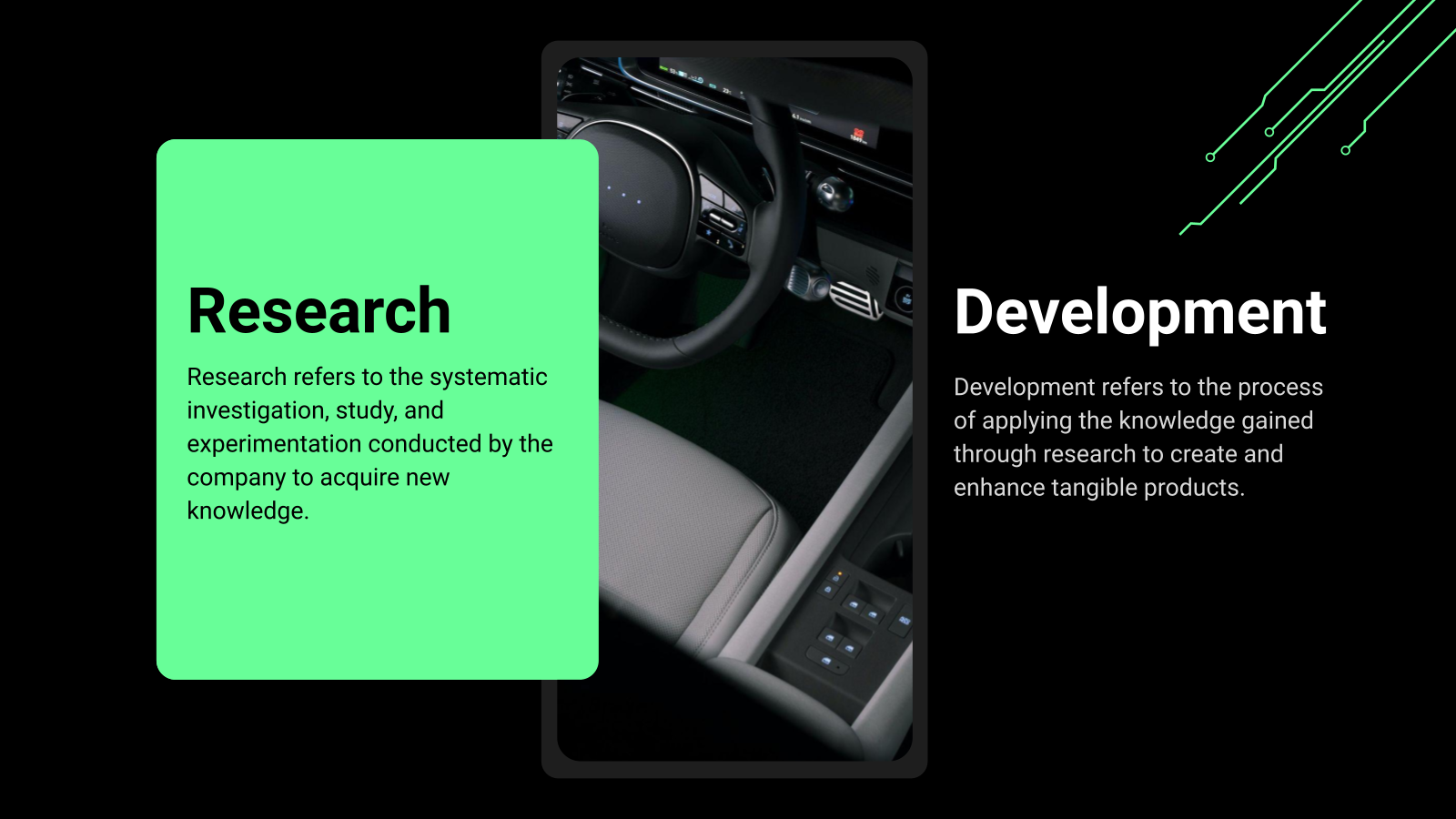
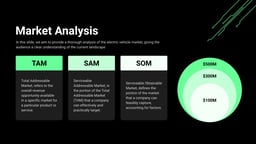
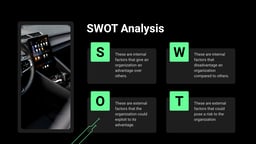
The Case Study Presentation Template is a pre-designed slide deck used to present business problems, solutions, and results in a clear and structured way. It helps showcase key insights, strategies, and outcomes from real-world projects. Compatible with Google Slides and PowerPoint, the template makes it easy to create professional and engaging case study presentations.
Applications of the Case Study Presentation Template
- Business Case Presentations: Showcase real business challenges, solutions implemented, and measurable results to stakeholders or clients.
- Marketing Success Stories: Highlight campaign performance, strategies used, and outcomes to demonstrate value to potential customers.
- Client Project Reviews: Present project objectives, execution strategies, and final results in client meetings or reports.
- Academic Case Studies: Students and educators can present research findings, problem analysis, and conclusions clearly.
- Sales Presentations: Use case studies to demonstrate how products or services solved real customer problems.
- Internal Team Learning: Share project insights, lessons learned, and best practices within teams or organizations.
Why Choose SlidesAI’s Case Study Presentation Template?
- Professional Business Design: Clean and modern slides designed specifically for presenting case studies, business insights, and results.
- Fully Customizable: Easily edit colors, fonts, images, and content in Google Slides or PowerPoint to match your brand.
- Structured Storytelling Layout: Includes ready-made slides for problem, solution, strategy, results, and key takeaways.
- Saves Time: Pre-designed layouts help you create professional case study presentations quickly without designing from scratch.
- Clear Data Visualization: Helps present results, metrics, and insights in a visually engaging and easy-to-understand format.
Create Presentations Easily in Google Slides and PowerPoint
14M+Installs
 Install add-in
How to Use SlidesAI’s Case Study Presentation Template?
- Microsoft PowerPoint: Click on Download > Click on “PowerPoint” > Click on the downloaded file to make a copy and start customising/editing the template
- Google Slides: Click on Download > Click on “Google Slides” > Click on “Use Template” to make a copy and start customising/editing the template
Create presentations in seconds. Enter text and SlidesAI creates customizable slides based on that text in seconds that go well with all our templates, too.
Build Stunning Slides in Seconds with AI
- No design skills required
- 3 presentations/month free
- Don't need to learn a new software

Frequently Asked Questions About Case Study Presentation Template
1. Can this template be used for business case study presentations?
Yes, it is ideal for presenting business challenges, strategies implemented, and measurable results to stakeholders or clients.
2. Can startups use this template to present success stories?
Yes, startups can use it to demonstrate product impact, customer success stories, and business growth.
3. Do I need design skills to use this template?
No, the template includes professionally designed layouts that make it easy to replace content without advanced design skills.
4. Can I change the color scheme of the slides?
Yes, the template allows you to modify the color palette to align with your brand guidelines.
5. Can I add charts, graphs, or images to support the case study?
Yes, you can include visuals such as charts, graphs, screenshots, and images to make your case study more compelling.
6. How can I make a case study presentation more engaging?
Use visuals, data points, real examples, and concise storytelling to clearly explain the problem and the results achieved.
7. How long should a case study presentation be?
Most case study presentations are 8–15 slides long, depending on the complexity of the project.
8. Can I include customer testimonials in the presentation?
Yes, testimonials and quotes help strengthen credibility and highlight real customer experiences.
9. Is the Case Study Presentation Template compatible with Google Slides and PowerPoint?
Yes, the template works with both Google Slides and Microsoft PowerPoint.
10. Can multiple team members collaborate on the presentation?
Yes, if you use Google Slides, team members can collaborate and edit the presentation in real time.