



“`html id=”k29d8s”
What is this Back-to-School Presentation Template?
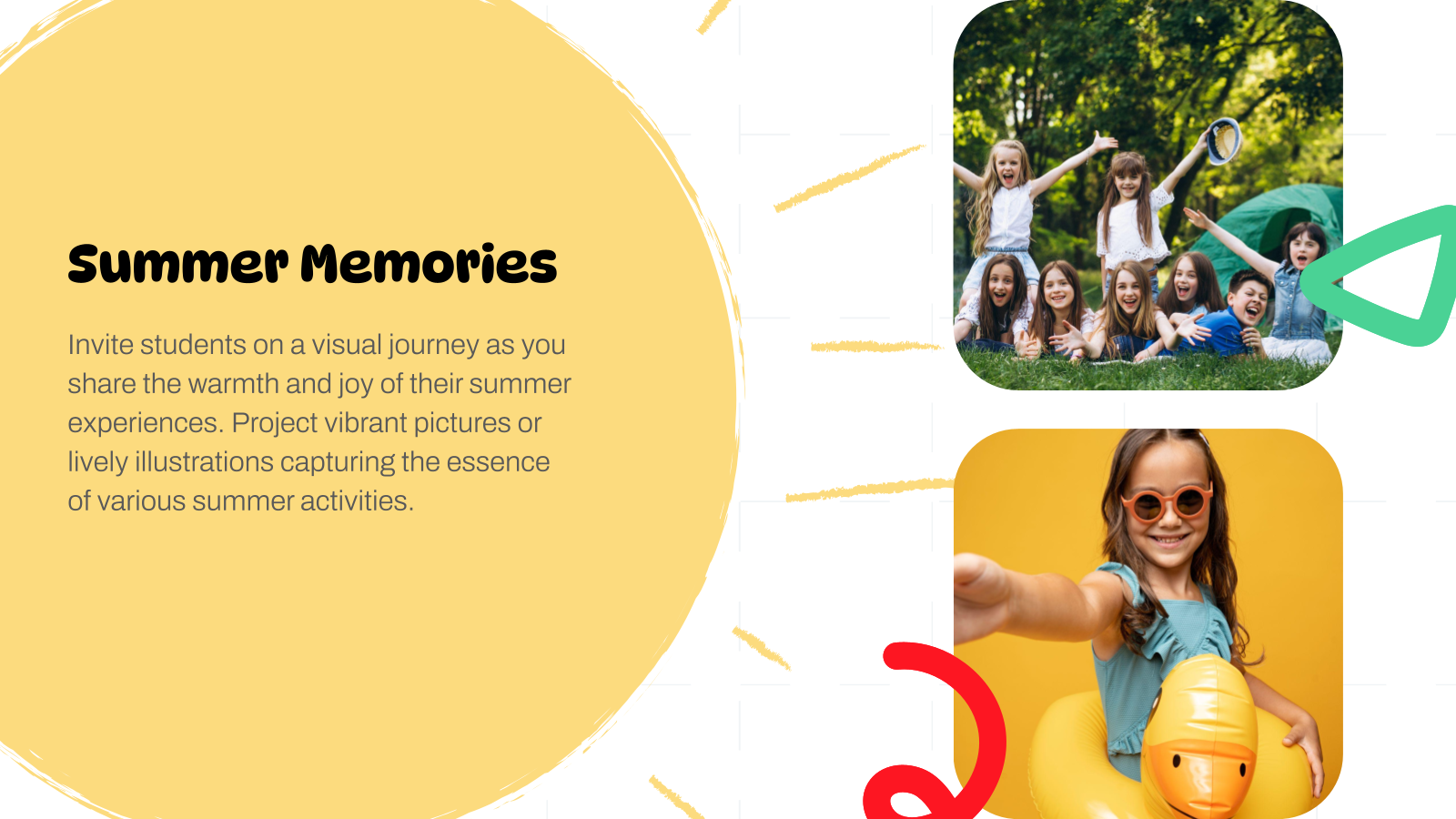
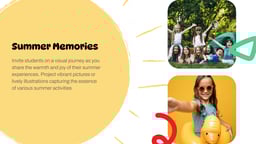
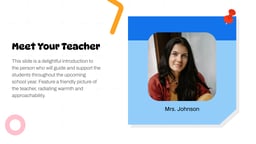
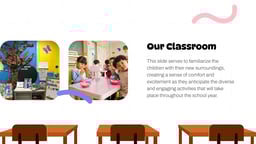
The Back to School Academic Education Presentation Template by SlidesAI is a ready-to-use, customizable slide deck designed to start the academic year with engaging visuals.
It combines creative design with structured content, allowing teachers and students to present ideas clearly and interactively in Google Slides or PowerPoint.
Where can you use this template?
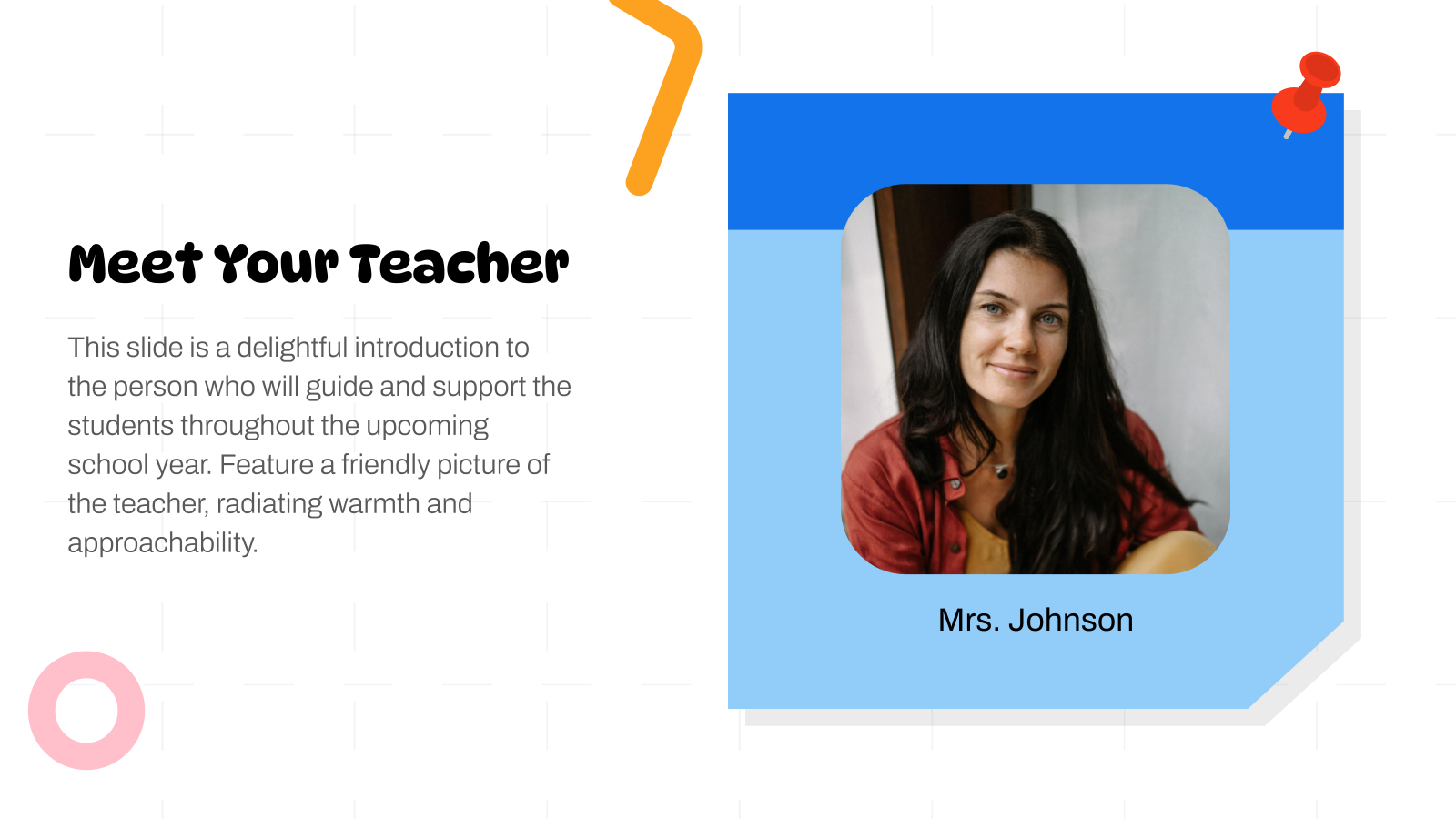
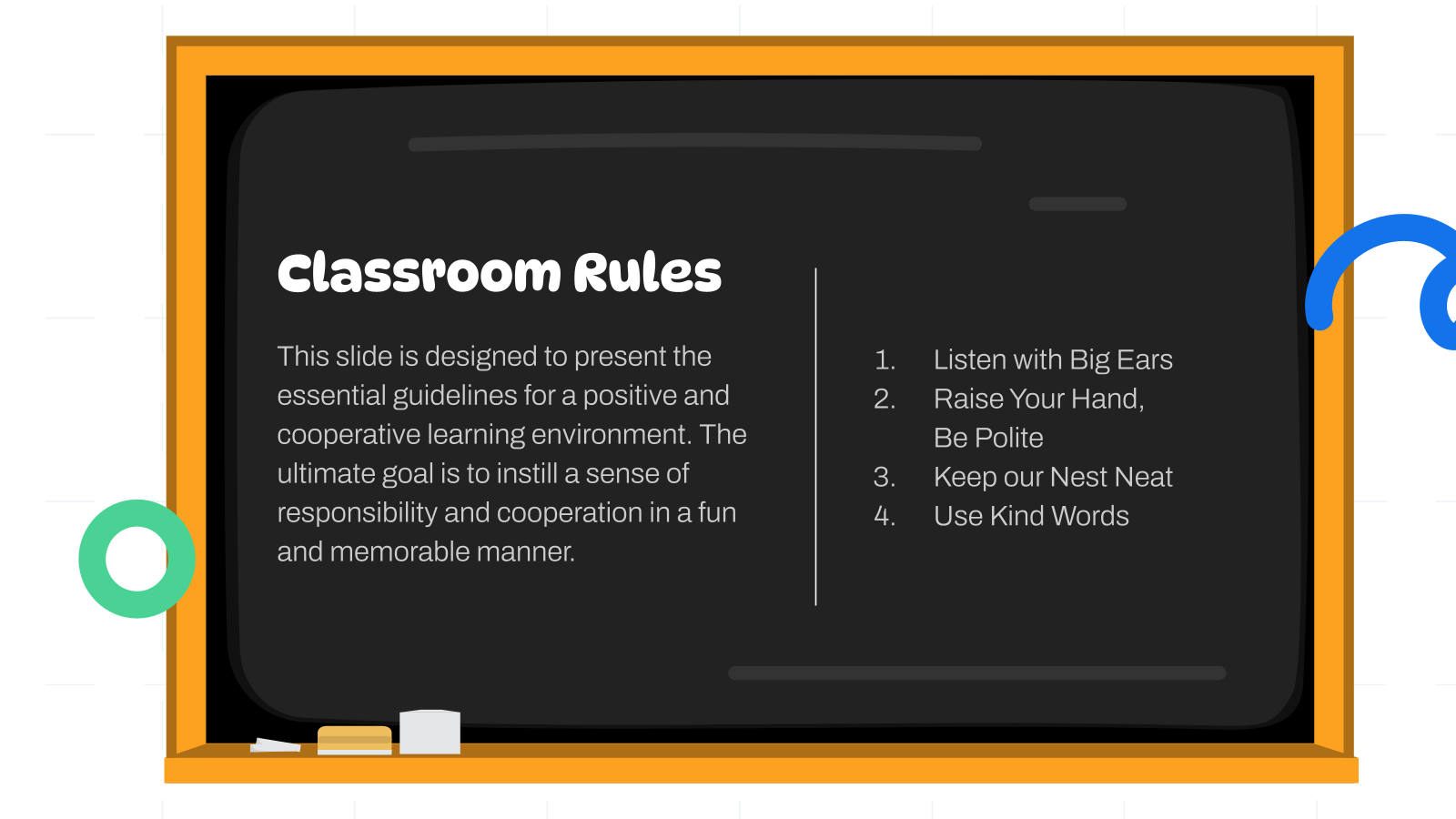
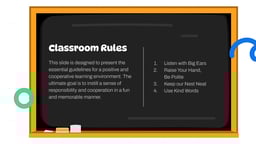
- Classroom Introductions: Teachers can use it to introduce themselves, explain classroom rules, outline the syllabus, and set expectations for the year.
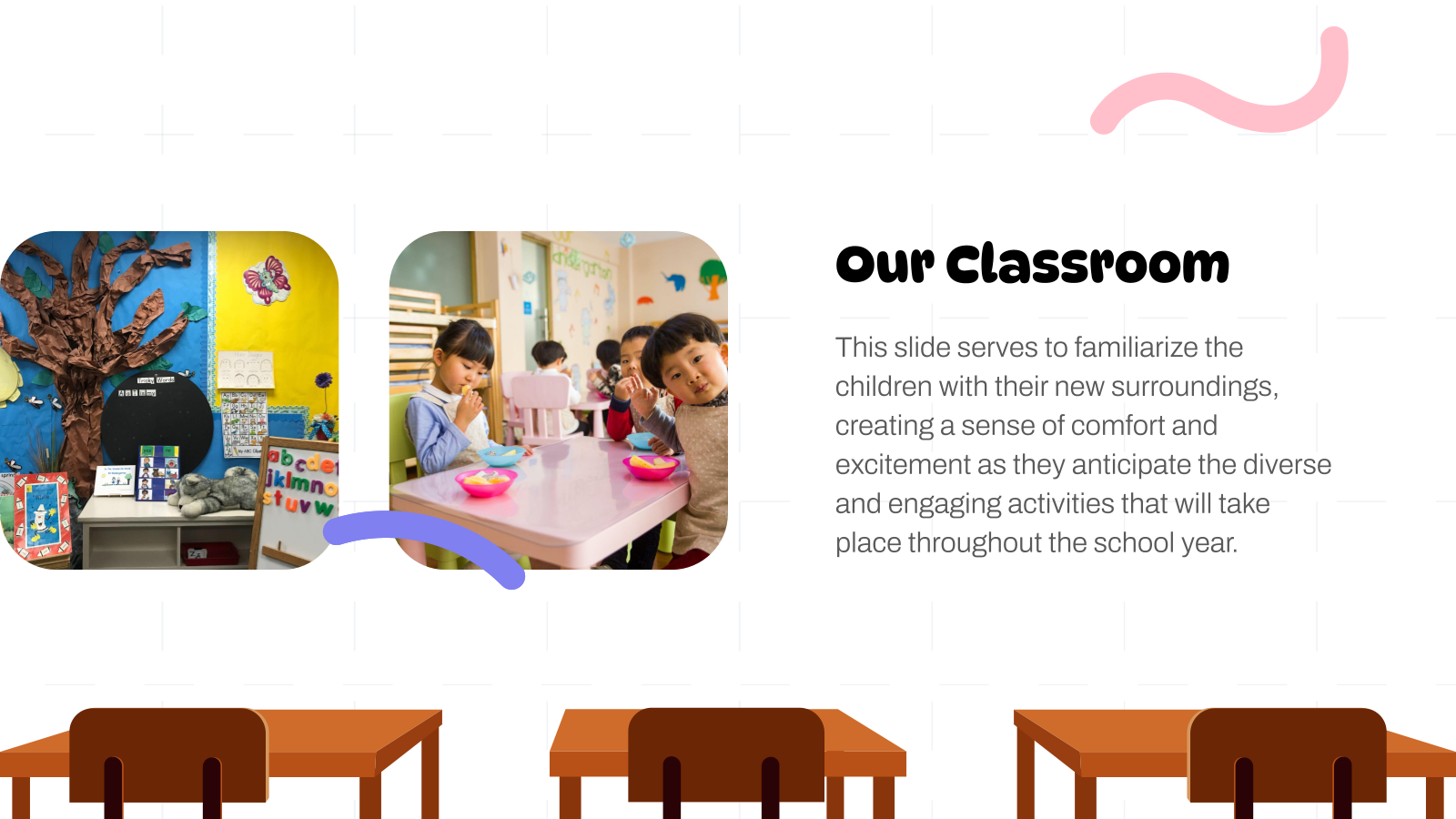
- Student Orientation Sessions: Perfect for welcoming students back to school, covering schedules, activities, and school policies in an engaging format.
- Lesson Kickoff Presentations: Use the slides to introduce new subjects or topics in a visually appealing way that captures student interest from the start.
- School Events & Workshops: Ideal for back-to-school events, academic workshops, or school assemblies where structured communication is needed.
Why do teachers choose this template?
- Saves Time with Ready-Made Slides: Instead of building presentations from scratch, you get a complete slide structure that’s ready to customize.
- Engaging and Student-Friendly Design: The template uses creative visuals and layouts that make learning more interactive and enjoyable for students.
- Improves Presentation Quality: Professionally designed slides ensure your content looks polished, structured, and impactful.
- Keeps Students Engaged: The mix of visuals, layouts, and structured storytelling helps maintain attention and improve understanding.
Build Stunning Slides in Seconds with AI
- No design skills required
- 3 presentations/month free
- Don't need to learn a new software


How to Use This Back-to-School Presentation Template?
- Microsoft PowerPoint: Click on Download > Click on “PowerPoint” > Click on the downloaded file to make a copy and start customising/editing the template
- Google Slides: Click on Download > Click on “Google Slides” > Click on “Use Template” to make a copy and start customising/editing the template
Create presentations in seconds. Enter text and SlidesAI creates customizable slides based on that text in seconds that go well with all our templates, too.
Create Presentations Easily in Google Slides and PowerPoint
14M+Installs

Frequently Asked Questions:
1. Is this template free to use?
Many SlidesAI templates are free, but availability may vary. Check the template page for specific pricing or access details.
2. Can I edit this template?
Yes, the template is fully customizable, you can edit text, images, colors, and layouts to suit your needs.
3. Which platforms support this template?
The template works with Google Slides and Microsoft PowerPoint.
4. Is this template suitable for online classes?
Yes, it works well for both in-person and virtual classrooms.
5. Can students use this template?
Absolutely, students can use it for projects, assignments, and presentations.
6. Can I add my own content?
Yes, you can easily replace placeholder text and images with your own content.
7. Can I collaborate with others using this template?
Yes, especially in Google Slides, where multiple users can edit the presentation simultaneously.