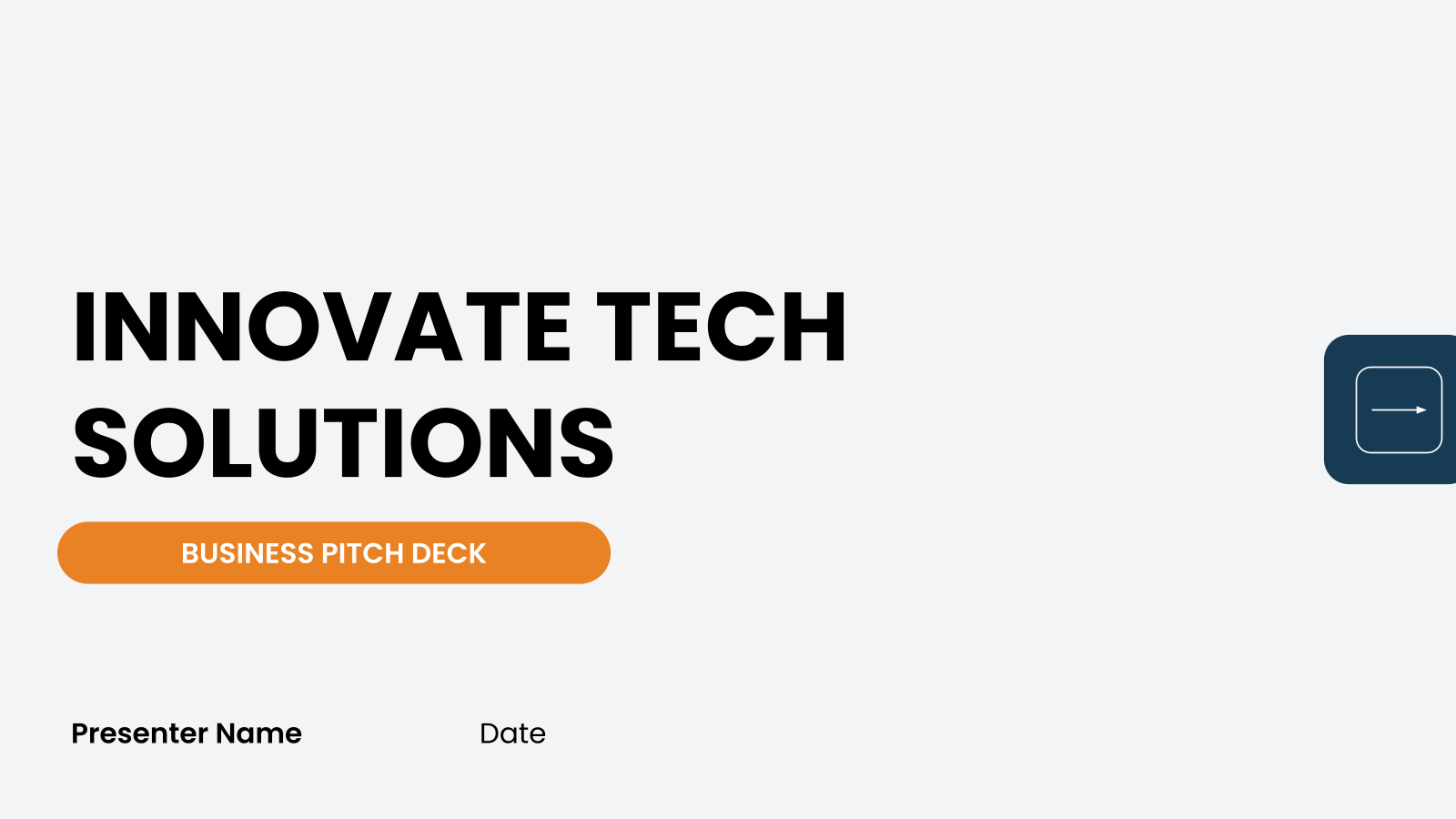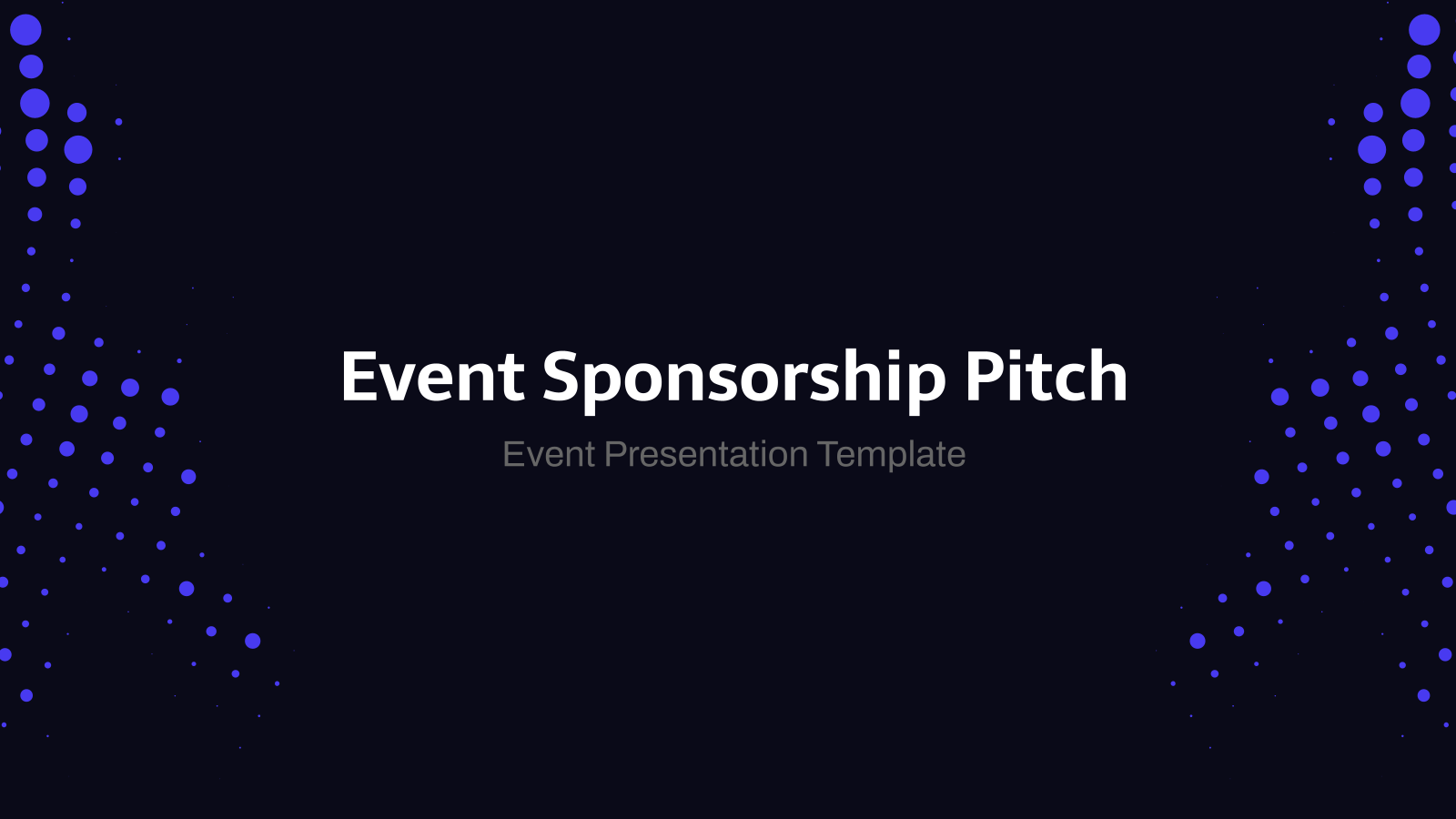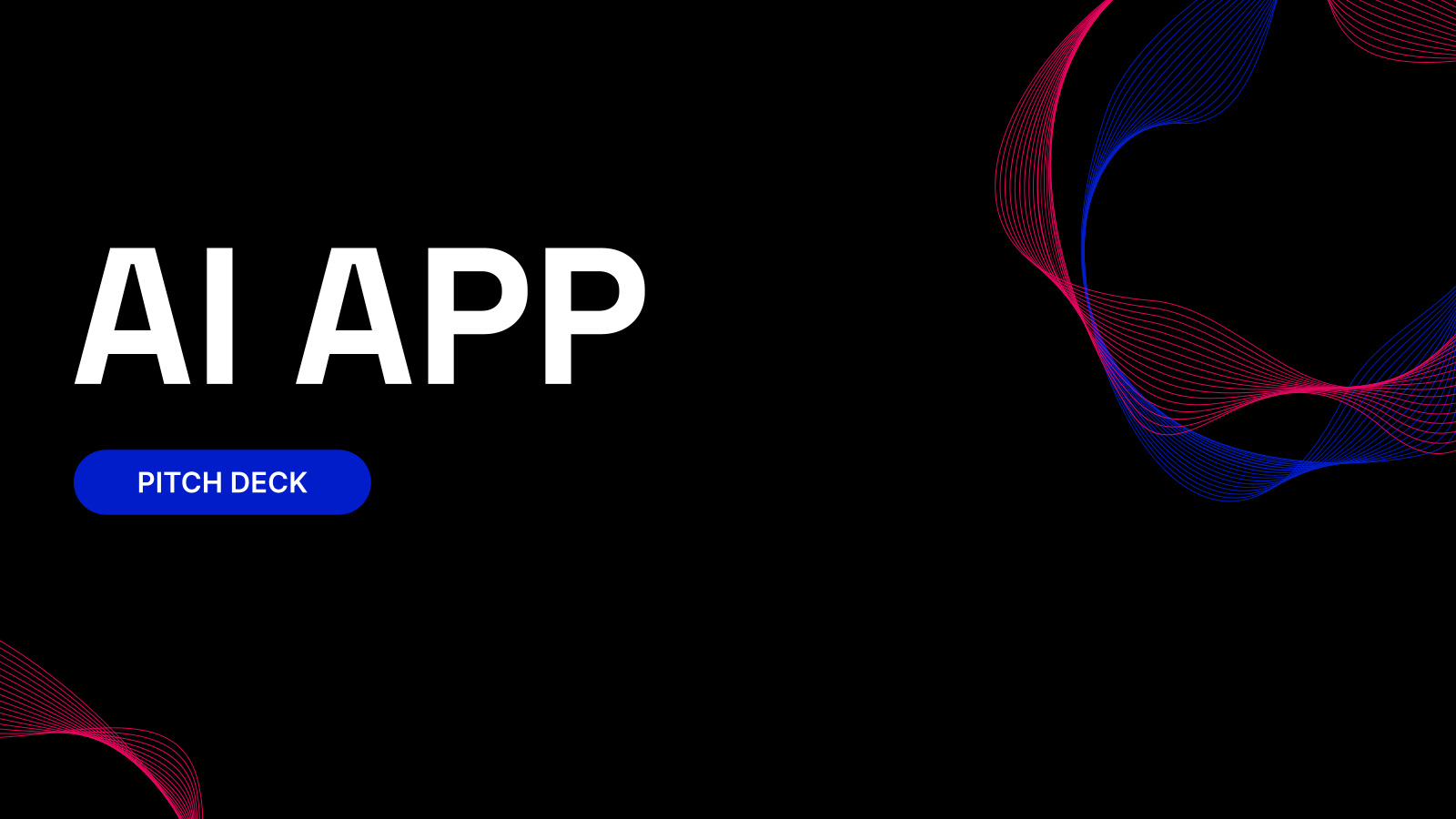
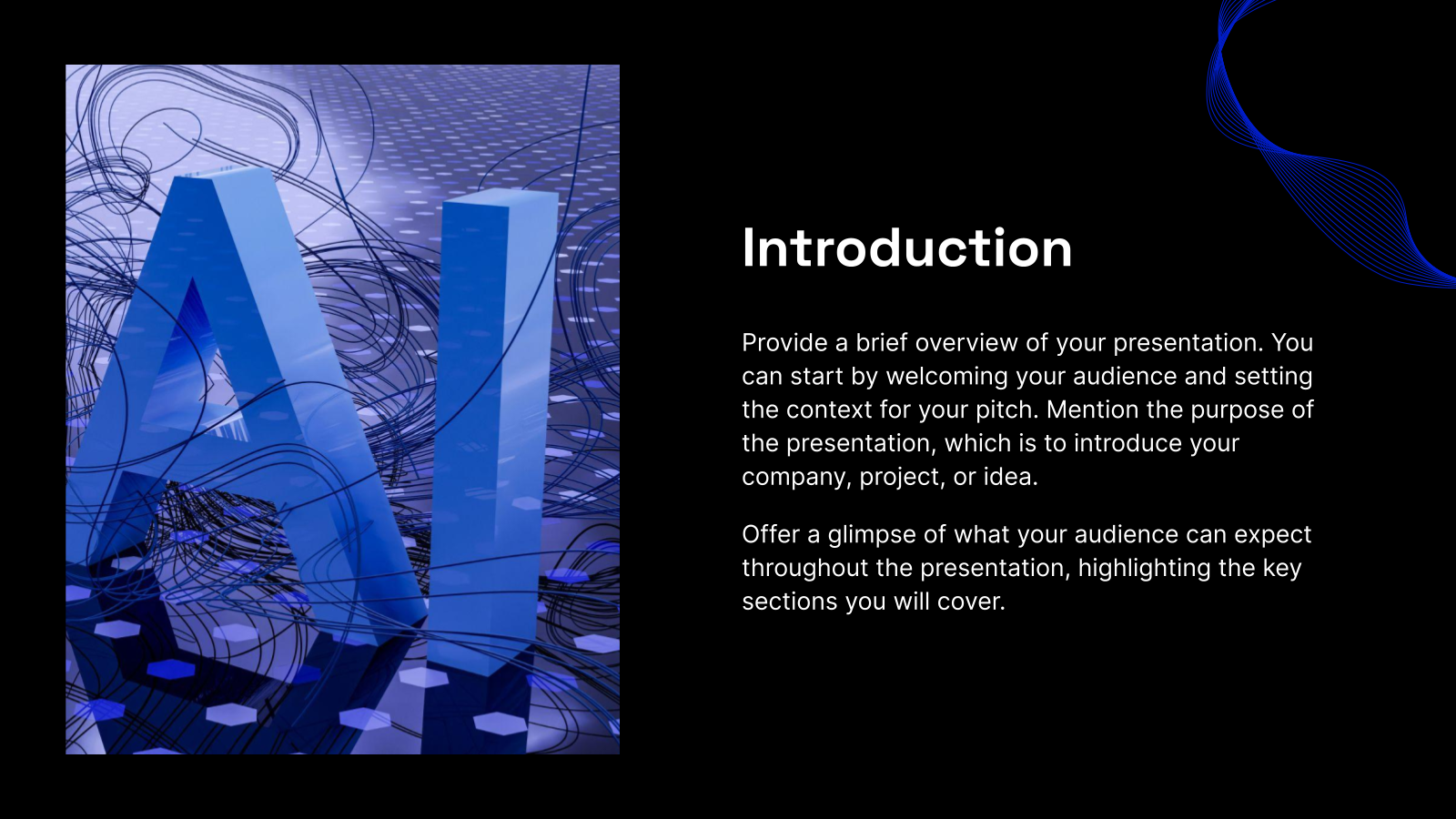
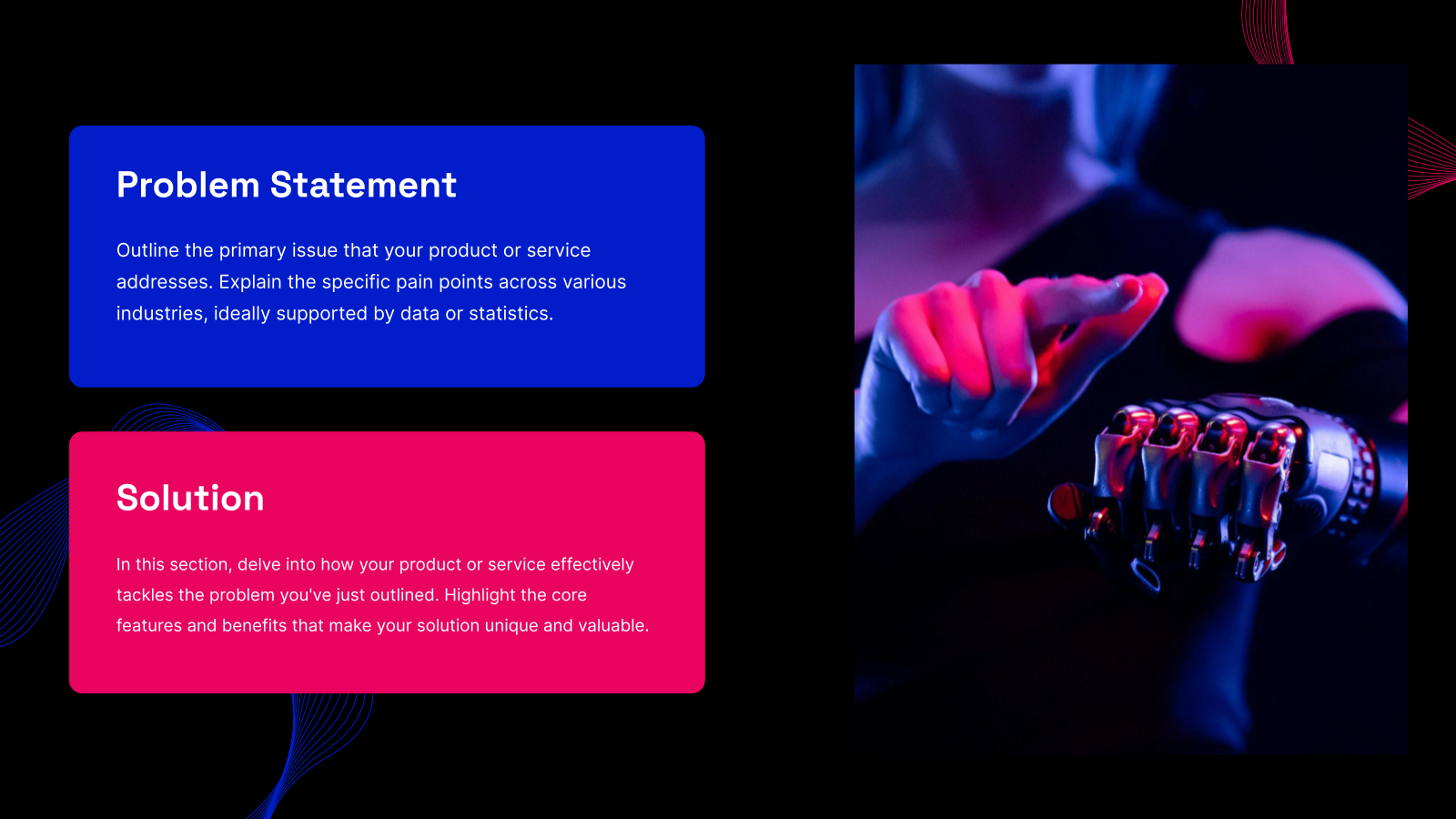
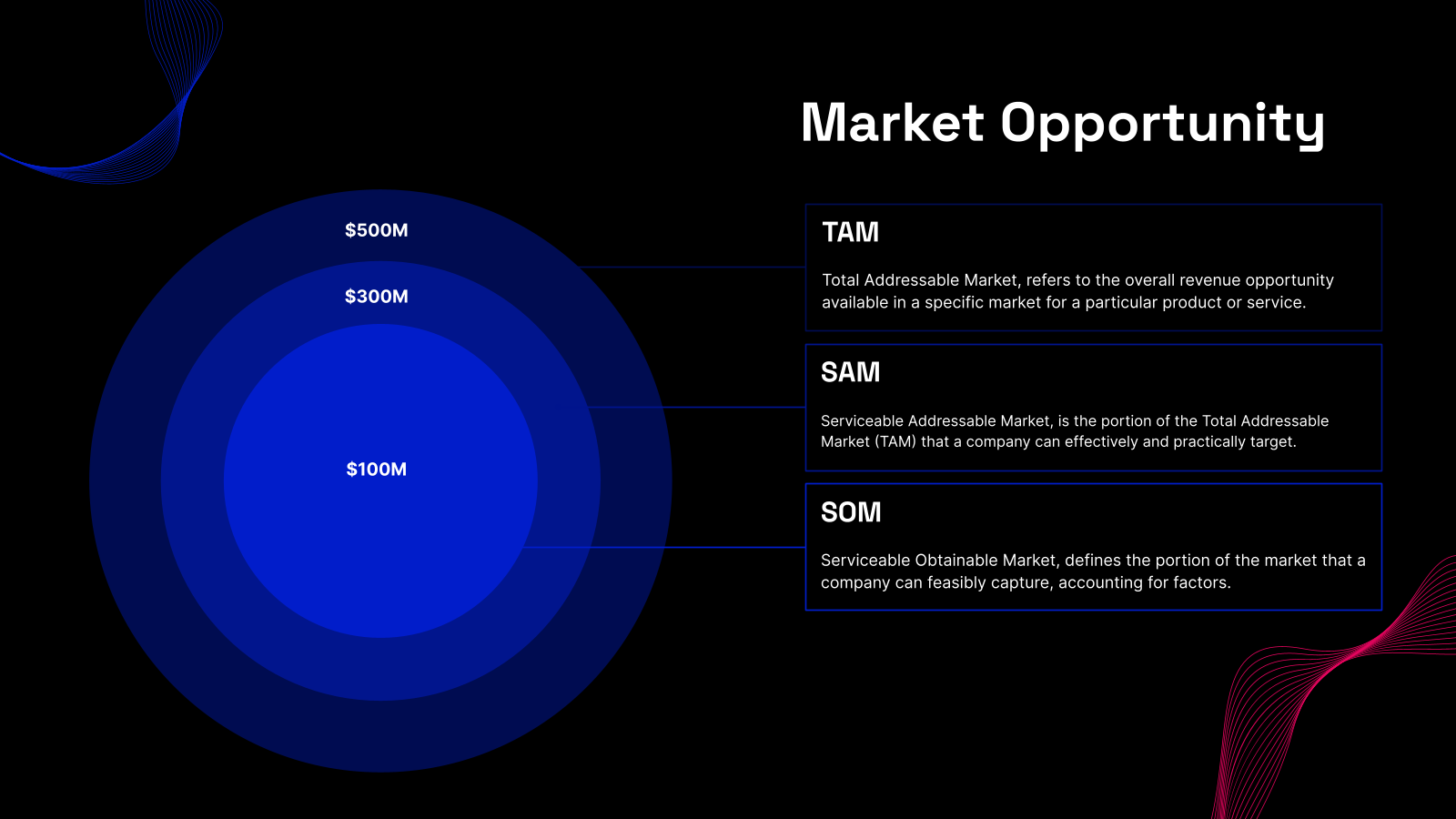
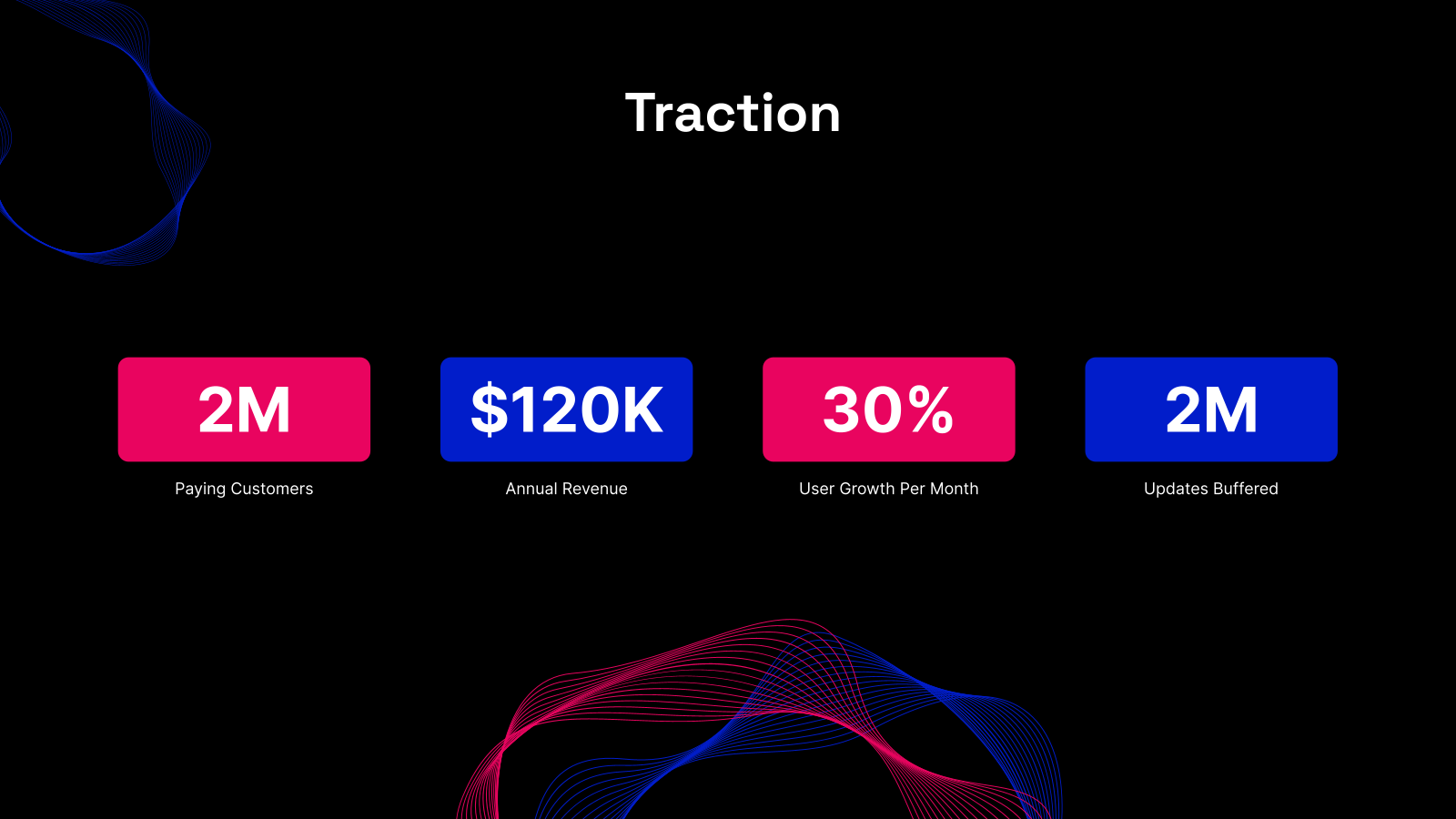







What is an AI App Pitch Deck Template?
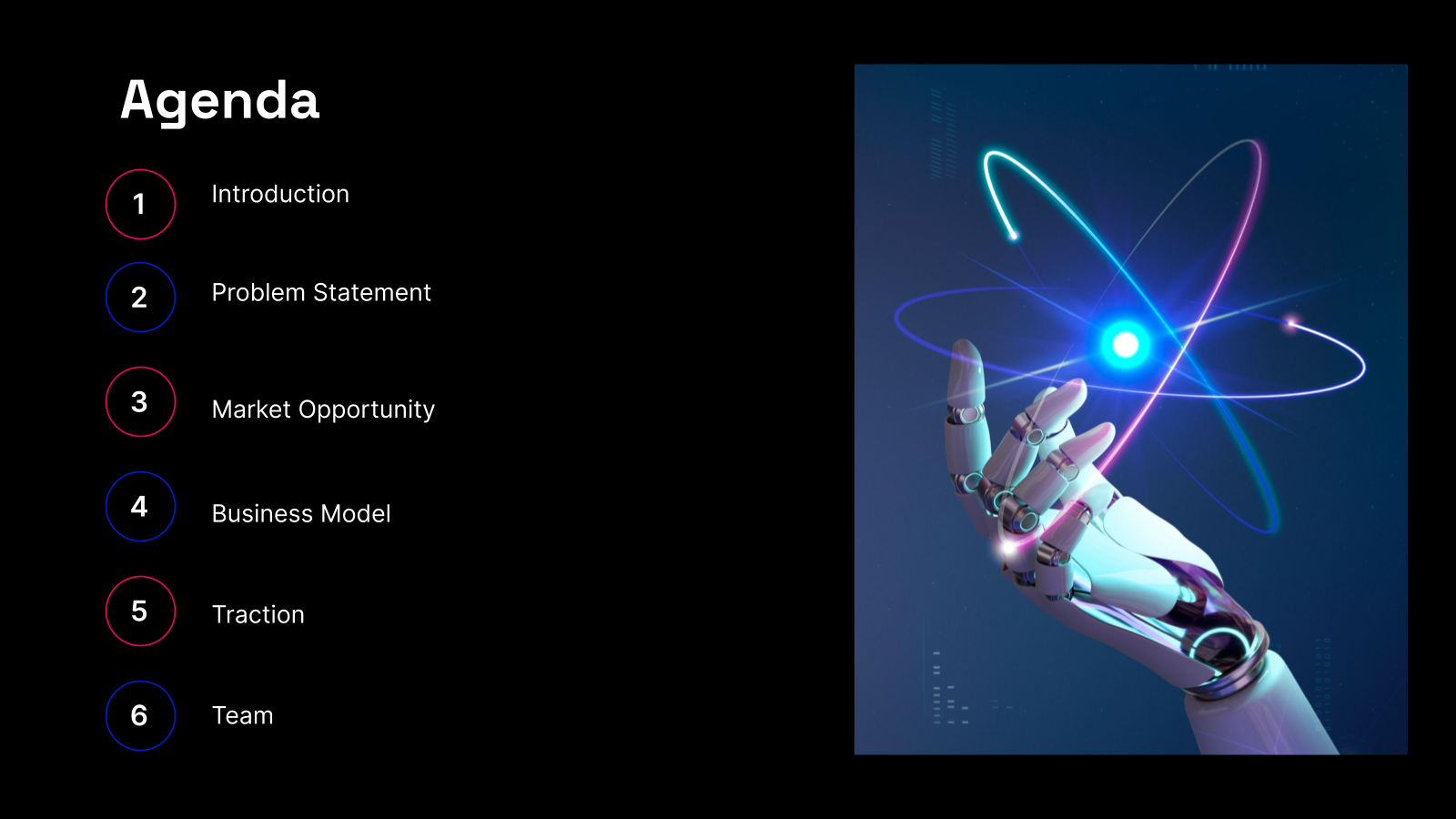
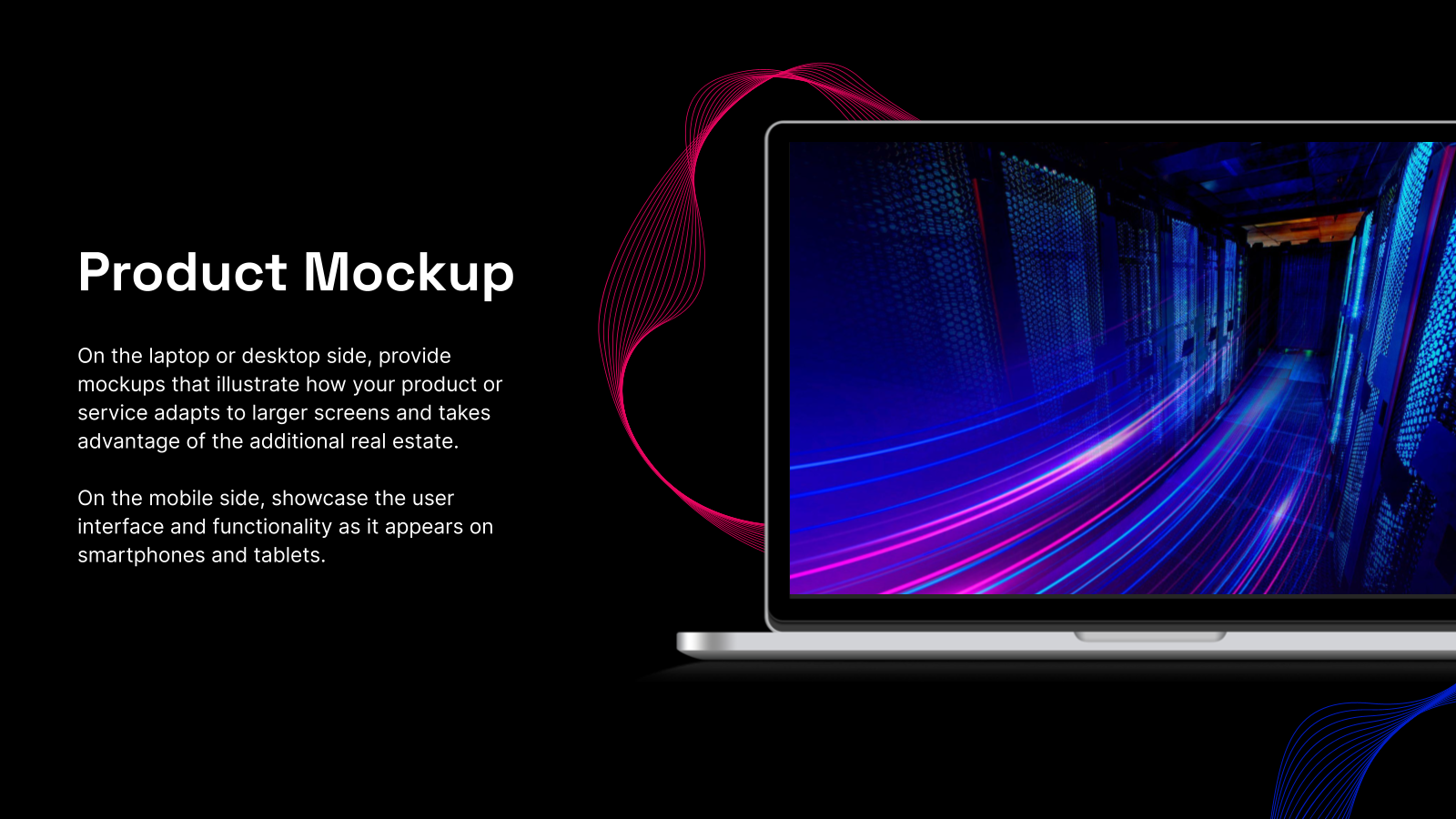
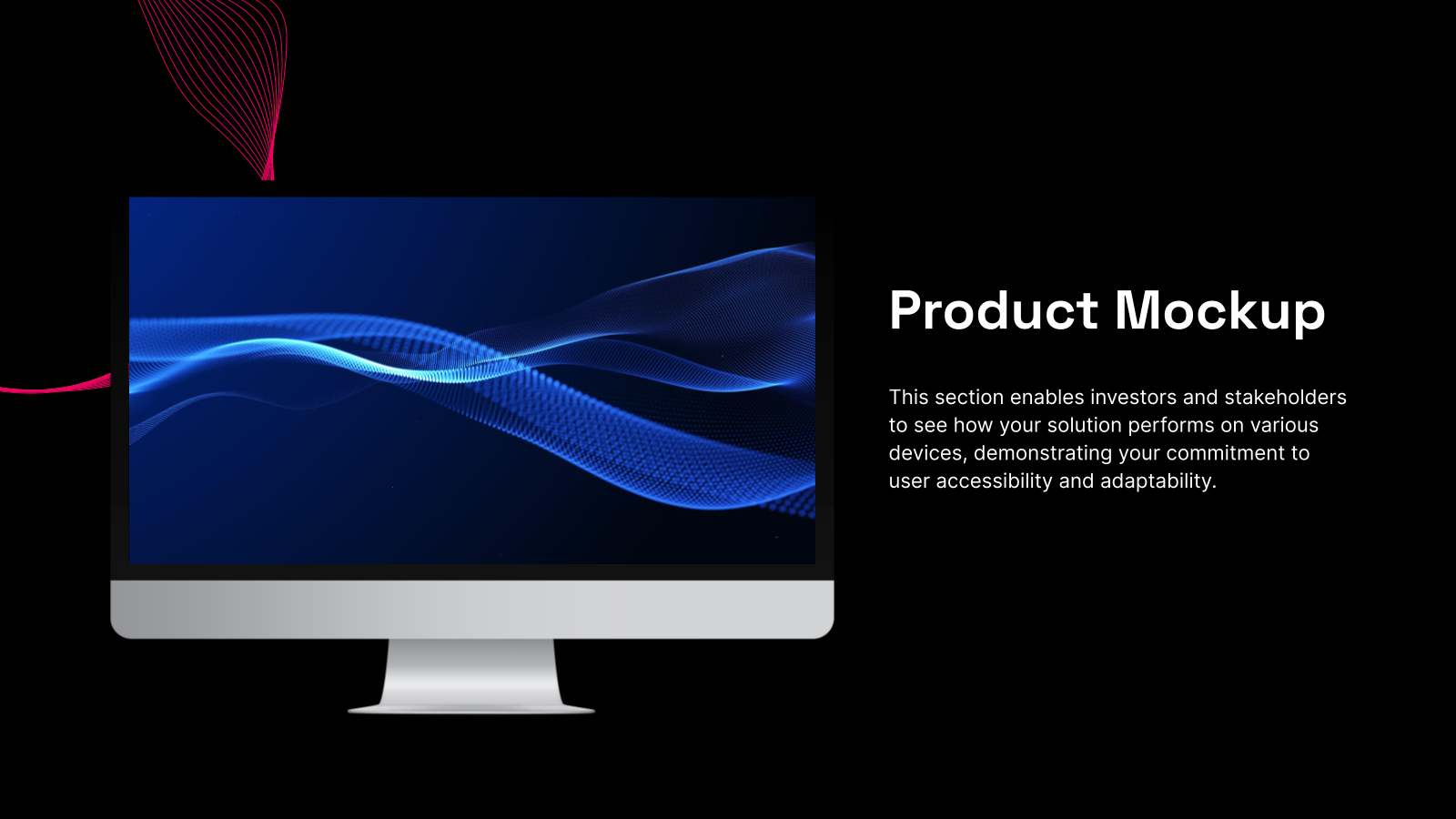
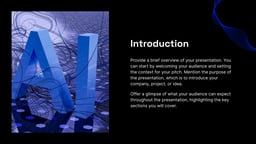
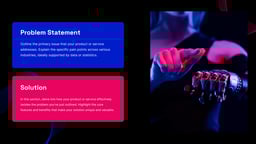
An AI App Pitch Template is a ready-to-use presentation format that helps you explain your AI product in a clear and organised way. Instead of building a deck from scratch, you use this template to present your app’s idea, features, and goals in a way that grabs attention. It usually includes sections like the problem your app solves, what makes your AI App special, how big the market is, your competition, and how you plan to grow.
Where You Can Use It?
Here are different ways you can use the template depending on your goal:
- Secure Funding from Investors: The template helps you build a strong narrative so investors quickly see the value and potential of your product.
- Attract Strategic Partnerships: Use the template to present your AI capabilities, what sets your tech apart, and how it can work with other platforms.
- Accelerator & Grant Applications: When applying to incubators, accelerators, or AI funding programs, you need to keep things tight and goal-focused.
- Product & Go-to-Market Pitches: Use the template to explain what your product does, how it’s priced, who it serves, and how you plan to reach your target market.
- Internal Alignment & Strategy Reviews: Use the template to align on vision, product roadmap, business goals, and key milestones. It brings clarity during strategy discussions and keeps execution on track.
Why Founders Choose This Template?
Sure! Here’s your rewritten version in the same clear, reader-friendly style, without using em dashes:
- Smart Structure for AI Pitches: Designed specifically for AI startups with slides covering problem, solution, use cases, market, tech, and business model.
- Easy Customisation: Fully editable layouts, colors, fonts, and content to match your brand and audience.
- AI-Powered Slide Creation: Generate structured, polished slides instantly from your ideas or outline using SlidesAI.
- Clean and Consistent Design: Modern, tech-focused themes ensure a cohesive and professional look across all slides.
- Investor-Ready Without Design Skills: Create clear, professional pitch decks that simplify complex AI concepts and build credibility.
Build Stunning Slides in Seconds with AI
- No design skills required
- 3 presentations/month free
- Don't need to learn a new software


How to Use This AI App Pitch Deck Presentation Template?
- Microsoft PowerPoint: Click on Download > Click on “PowerPoint” > Click on the downloaded file to make a copy and start customising/editing the template
- Google Slides: Click on Download > Click on “Google Slides” > Click on “Use Template” to make a copy and start customising/editing the template
Create presentations in seconds. Enter text and SlidesAI creates customizable slides based on that text in seconds that goes well with all our templates too
Create Presentations Easily in Google Slides and PowerPoint
14M+Installs

Frequently Asked Questions (FAQs)
1. Who should use this pitch deck template?
This template is great for AI startup founders, tech teams, and product leads who want to pitch their AI app to investors, partners, or accelerators.
2. What slides are included in the template?
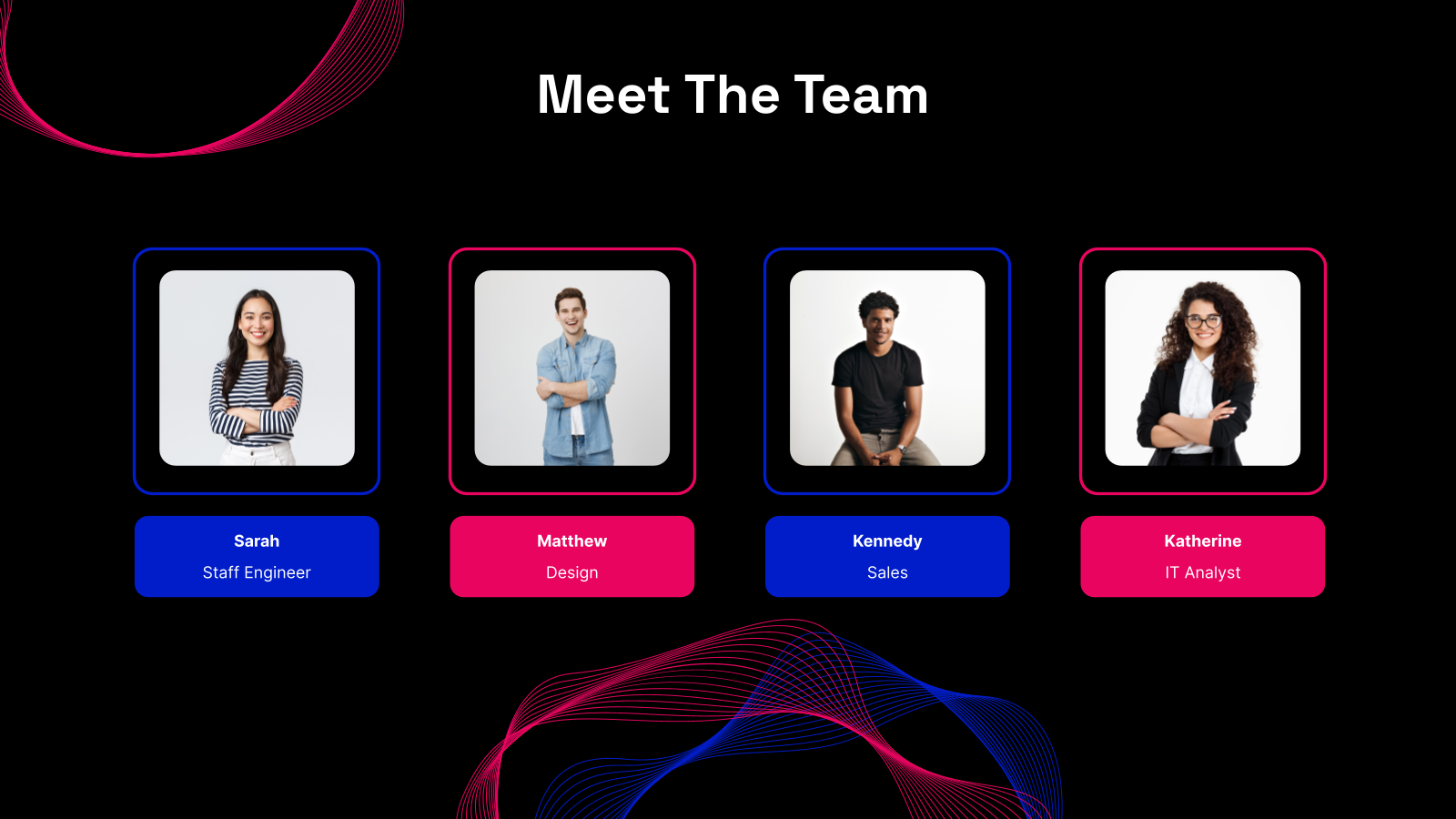
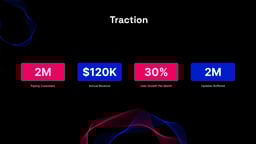
You’ll get slides like Problem, AI-Powered Solution, Technology Overview, Market Opportunity, Traction, Business Model, Competition, Go-to-Market, Team, Financials, and Ask.
3. Can I change the design and content?
Yes. You can fully edit the slides. Change the text, colours, visuals, and layout to match your brand and message.
4. Does it work with Google Slides?
Yes. The template works perfectly with Google Slides, so you can edit in real time and collaborate with your team.
5. Do I need design skills to use this?
Not at all. The template is built for non-designers. It comes with pre-made layouts and AI-friendly visuals that make your deck look polished.
6. Can I use this for grants or accelerator programs?
Yes. The structure is built to show innovation, impact, and potential, which makes it suitable for grant applications and accelerator pitches.
7. Can I link technical details or extra slides?
Yes. You can add appendix slides or use hyperlinks to point to technical documentation, model performance, or datasets.
8. Does this work with AI tools like SlidesAI?
Yes. You can use SlidesAI to input your AI app details and the tool will help generate and improve your slides.
9. Can I remove or duplicate slides?
Yes. The template is flexible. You can add, remove, or rearrange slides based on what your pitch needs.
10. Will this save me time?
Definitely. The ready-to-use layout and clear pitch structure help you build a strong deck faster than starting from scratch.